
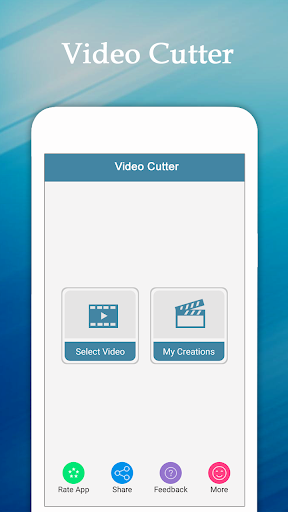
Trim VideoThis application is for cutting video.
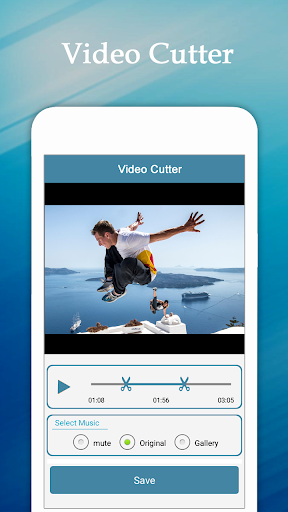
Using this Video Cutter you can easily remove unwanted part of video.
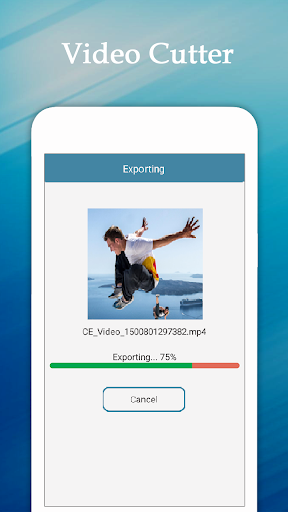
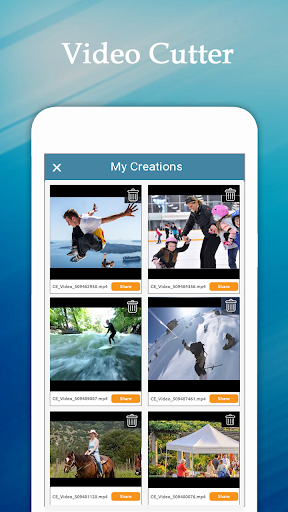
With this you can easily cut your video from starting point to ending point.With this Video Cutter-You can easily remove audio from video.(Mute Video)You can add your favorite music to a video (Add Audio)You can easily remove unwanted parts of videoVideo Cutter is easy to use and free app for video cutting,Feature:► Easily remove audio from video(No sound).► Easily add your favorite music in video(Add Music).► Trim your favorite video part.►You can share these videos to social network like Facebook, Gmail etc► Save & DeleteHow to USE?► Select videos from your gallery / Camera► Select starting and ending points of video► Select music option (Mute Sound, original sound, External music)► Click on “Save” Button► Wait for complete process► Easily Share your trim video With your Friends
https://andro.io/app/cutvideo-1johb
 Power 100
Android app profile
Trim Video, Add Audio To Video for Android – Latest Version & Features
by CodeEdifice
★★★★★
(0 ratings)
Rate this app
How do you feel about Trim Video, Add Audio To Video?
Thanks for your feedback!
> 2.2k
Monthly Downloads
~$900
Estimated Cost
Screenshots




