
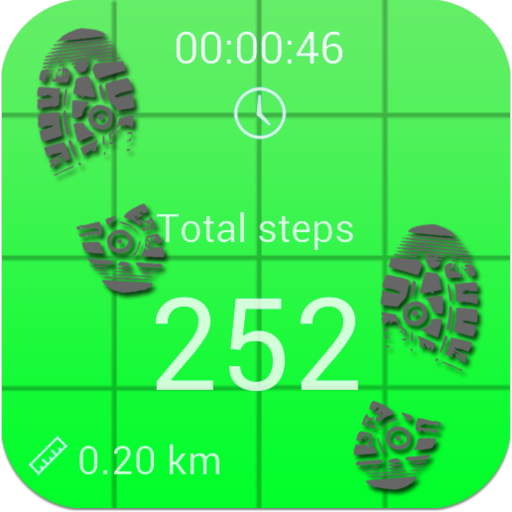
This step counter, also known to many as pedometer, records the number of steps you have walked and displays them again along with the, distance and walking time.
The pedometer app is very easy to use.
Once you push the "Start day" button, you can minimize the app, put it in your pocket or continue using your phone or tablet as you always do.
You can minimize the app, put it in your pocket or continue using your phone or tablet as you always do.
The app will run in the background while youre walking, running, jogging or jumping.
If youd like, you can set the screen to stay one if you are using a simple running track in the gym, which does not show information.Added pause button, as well as calories - in the settings menu please, choose your weight so that you can get the best results for burned calories.Added new functions - save button, to save your daily steps.
If the daily steps are less or equal to the saved ones the app will inform you, that you have already saved todays steps.Added chart - now you can see your daily progress on a chart, helping you visualize your exercise progress.Added average speed - it shows you how fast you are walking/running.Beep on goal reached - you now an option to make your device beep when the desired daily number of steps have been reached.Instructions:-Choose the sensitivity of your phone (some testing required for best results)-Enter the number of your desired daily steps.-Click on the start button.-Minimize the app and put it in your pocketNote:-The application might not work with some devices when they are locked, or when the app is on and you turn off the device.
This depends exclusively on the device and it is not a bug.
To fix it please, select the option "Keep screen ON", minimize the app and close it.
Then restart.
If it doesnt work please, restart the phone.
This method fixes it!
https://andro.io/app/counter-18r96
 Power 100


Android app profile
Pedometer and step counter for Android – Latest Version & Features
by BeshevGames
★★★★★
(0 ratings)
Rate this app
How do you feel about Pedometer and step counter?
Thanks for your feedback!
> 2.2k
Monthly Downloads
~$900
Estimated Cost
Screenshots









