
PDFs are incredibly versatile, yet notoriously challenging to modify.
But theres no need to manually copy text from a PDF.
With the power of OCR (Optical Character Recognition), even scanned pages become editable.Introducing the premier PDF to Word converter.
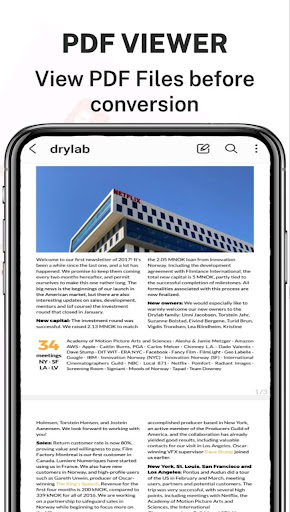
This tool faithfully reproduces the formatting of your PDFs – think fonts, paragraphs, lists, tables, and columns – right in a Word document.
Once converted, you can easily edit, extract content, and even re-export as a new PDF.
The best part?
No registration, no login, and no need to share your contact details.Looking to Convert a Scanned PDF to Word?Youre in the right spot.
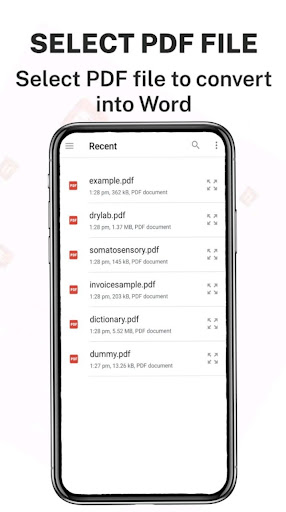
Our PDF converter transforms your PDFs into editable Word documents, converting from PDF to DOCX seamlessly.Heres a simple guide to converting PDF to Word:1.
Choose your desired PDF file and select Convert.2.
Patiently wait as we work our magic and convert your PDF to Word.
And voila!Your converted files can be found at: Phone/PDF2Word-Converter.
https://andro.io/app/convertes
 Power 100

Android app profile
PDF to Word Converter Pro for Android – Latest Version & Features
★★★★★
(0 ratings)
Rate this app
How do you feel about PDF to Word Converter Pro?
Thanks for your feedback!
> 2.2k
Monthly Downloads
~$900
Estimated Cost
Screenshots









