
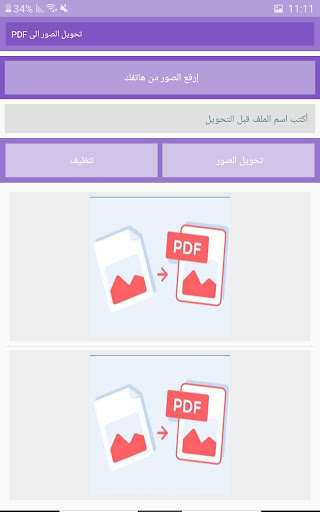
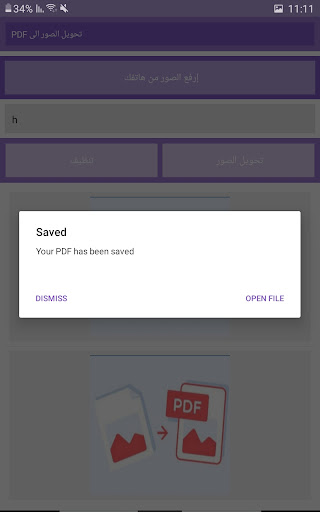
The image to PDF converter application is an application that allows users to convert images saved in the phone into PDF files.
This application is used for various purposes such as keeping photos neat and easy to read or to keep photos as digital documents.
Some common features that may be included in an image to PDF converter app:1.
Convert image file formats: The application can convert image files in different formats such as JPEG, PNG, GIF, BMP, etc.
to PDF files.2.
Arrange images: The application can arrange images in a PDF file according to the order of choice that is specified by the user.3.
Merge images: The application can merge multiple images onto a single page in a PDF file, allowing users to save space and organize images better.4.
Adjust the size of images: The application can adjust the size of images before converting them to a PDF file, allowing users to adjust the size and resolution to suit their needs.6.
Add a digital signature: Some applications may provide the ability to add a digital signature to PDF files to enhance security and authenticity.
https://andro.io/app/com-16vyd
 Power 100

Android app profile
تحويل الصور الى PDF for Android – Latest Version & Features
by farook zabat
★★★★★
(0 ratings)
Rate this app
How do you feel about تحويل الصور الى PDF?
Thanks for your feedback!
> 2.2k
Monthly Downloads
~$900
Estimated Cost
Screenshots









