
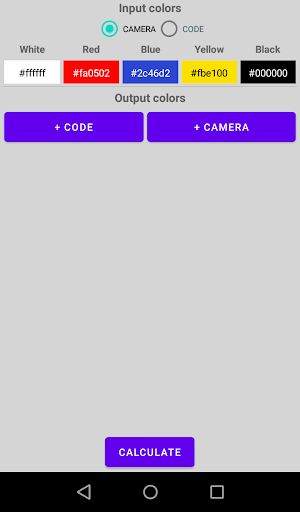
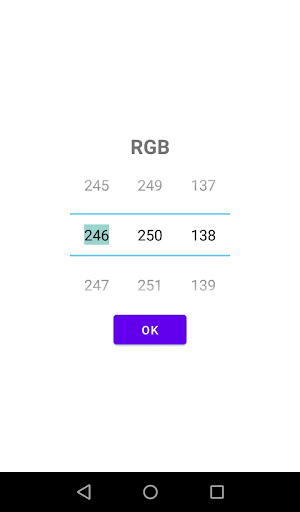
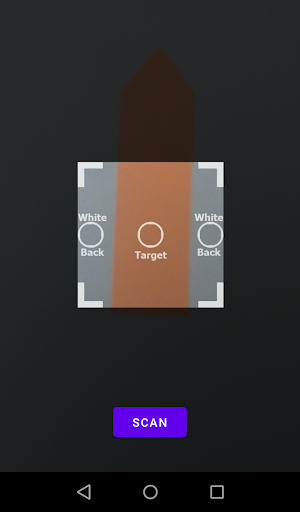
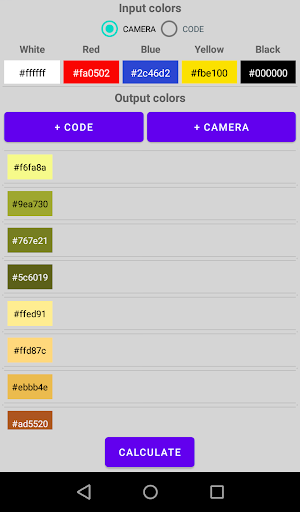
Scan or add by RGB code the colors of the paints you have.
Scan or add by RGB code the colors you want to get.
Click the “Calculate” button.
The application will show in what proportions to mix your paints to get the right colors.
If there are many output colors, the calculation may take some time.
Usually it takes no more than a second to select one color.
Scan colors in good light.
Start mixing paints from light colors to dark ones (white, yellow, red, blue).
Add black color gradually at the very end until the desired shade is obtained.
Since the types of paints are very diverse, it may turn out that the final color does not quite match the desired result.
The application helps to create the closest color.
Bring the shade to the desired one by adding a little paint of the main colors.
Good luck in creativity!
https://andro.io/app/colorsmixer
 Power 100
Android app profile
Color Separator for Android – Latest Version & Features
by TimenzzoApp
★★★★★
(0 ratings)
Rate this app
How do you feel about Color Separator?
Thanks for your feedback!
> 2.2k
Monthly Downloads
~$900
Estimated Cost
Screenshots









