
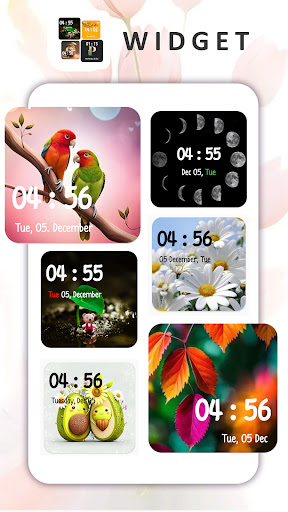
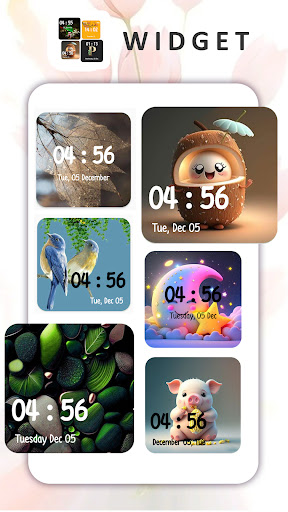
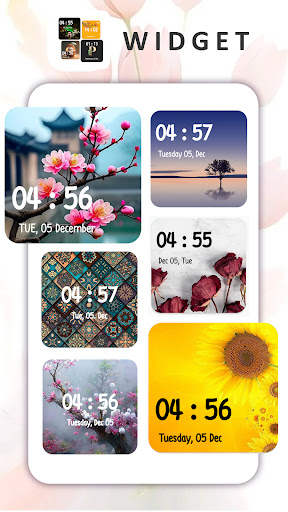
Clock Widget - Digital Clock is a Elegant widget for your smart phones Enjoy personalizing your home screen with this Digital clock Widget.
Please tap on the widget to change a clock design.
More Then 200+ Widget Design Waiting For you.- Colorful Background Digial Clock Widget- Alphabets Clock Widget- Color Clock WidgetFeatures:* More then 200+ Digital Clock Widget* Set 24-Hour Formate* Change size of Clock.* Display Show (Date,Day,Month and Digital Clock)* Change Color Of Day, Month and Year* Absolutly Free All Widget* Easy To Use & Set Widget On Home ScreenHow to use the widget:When you download the widget, it won’t automatically appear on your HomeScreen.Open the app, Select your desired clock first.You need to add the widget to your home screen to use it.Select the Widget tab within your device application menu (Open your device widgets).When you find the glow clock widget, press and hold it,dropping it to add to your screen.Enjoy Our Clock Widget - Digital Clock App...Thanks for using our app.
If you enjoy, Please take a moment to rate us.Any question please contact us:[email protected]
https://andro.io/app/clockwidgetsabcclockwidget
 Power 100

Android app profile
Clock Widget - Digital Clocks for Android – Latest Version & Features
by PanthiTech
★★★★★
(0 ratings)
Rate this app
How do you feel about Clock Widget - Digital Clocks?
Thanks for your feedback!
> 2.2k
Monthly Downloads
~$900
Estimated Cost
Screenshots









