
Creative Cast makes it possible to connect chromebook devices to Optoma displays (projectors, interactive flat panels and LED displays).
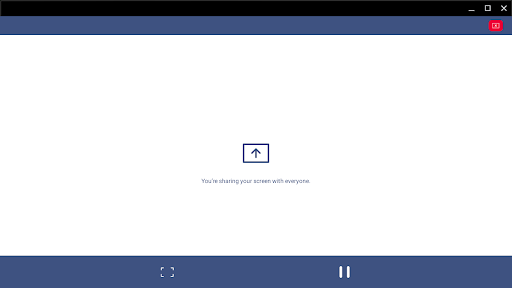
Once connected you will be able to mirror your screen, share images, documents and videos.FunctionalityMultiple devices- Supports multiple devices for easy content sharingScreen-mirroring- Share your screen on an Optoma display (with supported apps)File sharing- Easily share documents (PDF) and images (JPEG and PNG) to connected displaysGetting startedUse the steps below to establish a connection between a terminal (TX) display, projector or IFP (RXs) and the Creative Cast App.1.
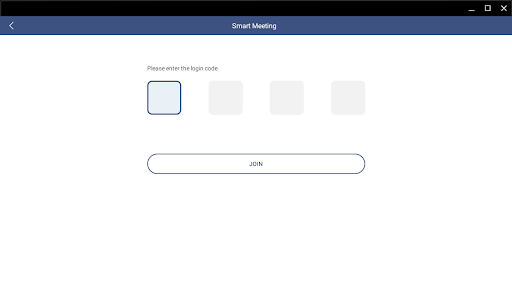
Launch the Creative Cast App on your Android device and Optoma display2.
Creative Cast will display all connectable devices on the same network3.
Select the display you want to connect to4.
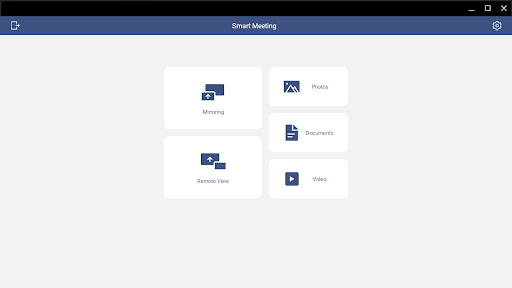
Navigate the home screen to select the required features and functionsDepending on the version of the operating system and the hardware of your Chromebook, sometimes the mirroring function may cease to work.
If you are having any trouble using the mirroring function, we suggest that you try our Chrome browser sender instead.Visit the Optoma website for information on supported modelswww.optoma.com
https://andro.io/app/chromesender
 Power 100

Android app profile
Creative Cast for Chromebook for Android – Latest Version & Features
by Optoma Corp.
★★★★★
(0 ratings)
Rate this app
How do you feel about Creative Cast for Chromebook?
Thanks for your feedback!
> 2.2k
Monthly Downloads
~$900
Estimated Cost
Screenshots









