
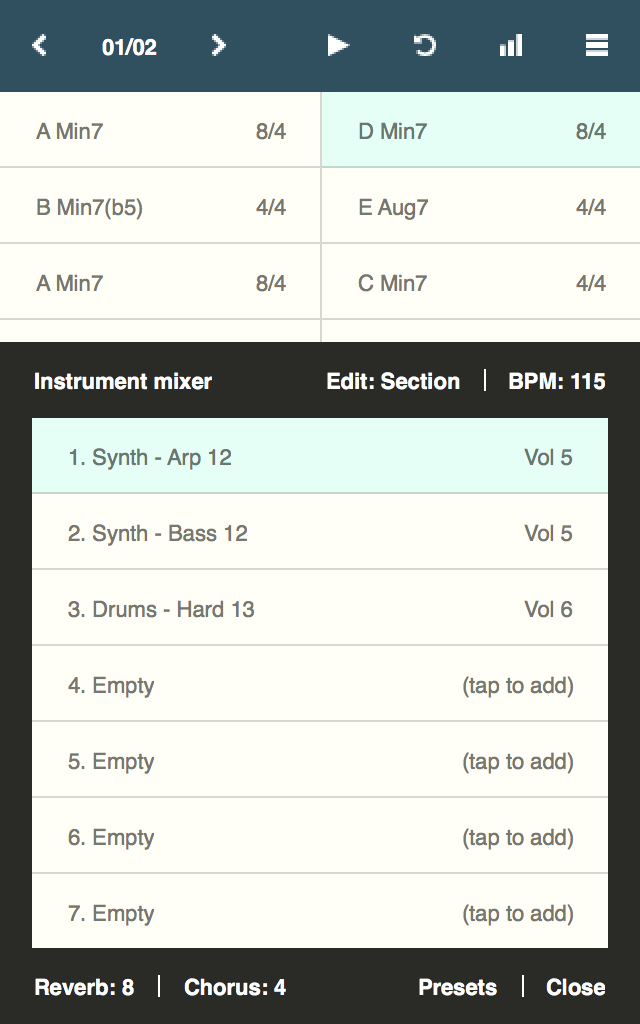
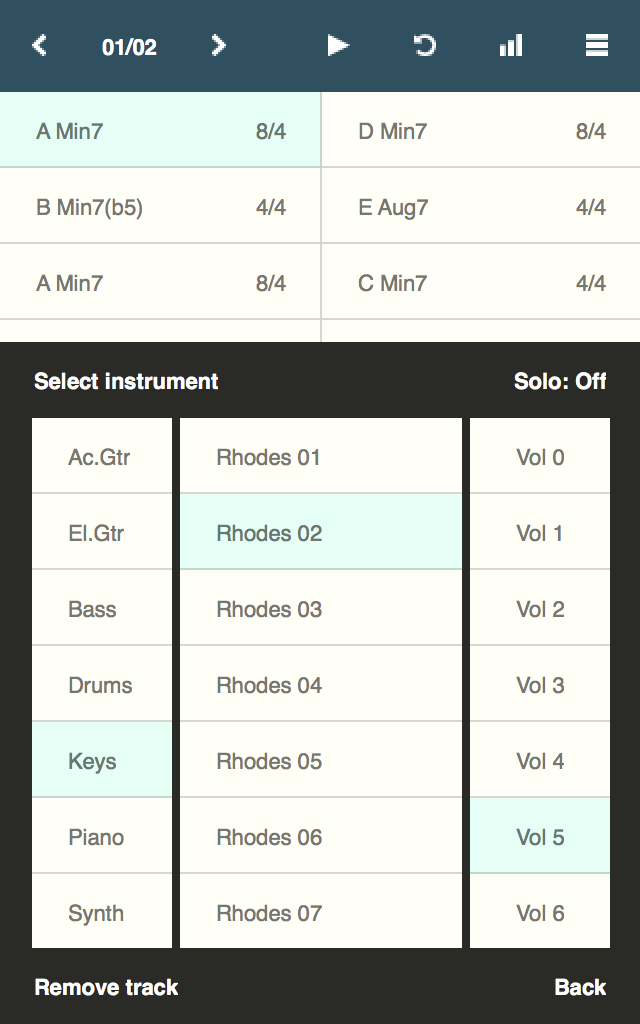

Chordbot is a music app that lets you create and play complex chord progressions quickly and easily.Use it to:* Experiment with advanced chord progressions without instruments or fingering charts.* Create customisable backing tracks for instrument practice sessions.* Rearrange new or existing songs with different instruments and comping patterns.* Experiment with music theory without having to master an instrument first.How:* Add some interesting chords* Select a few instruments patterns* Hit play.
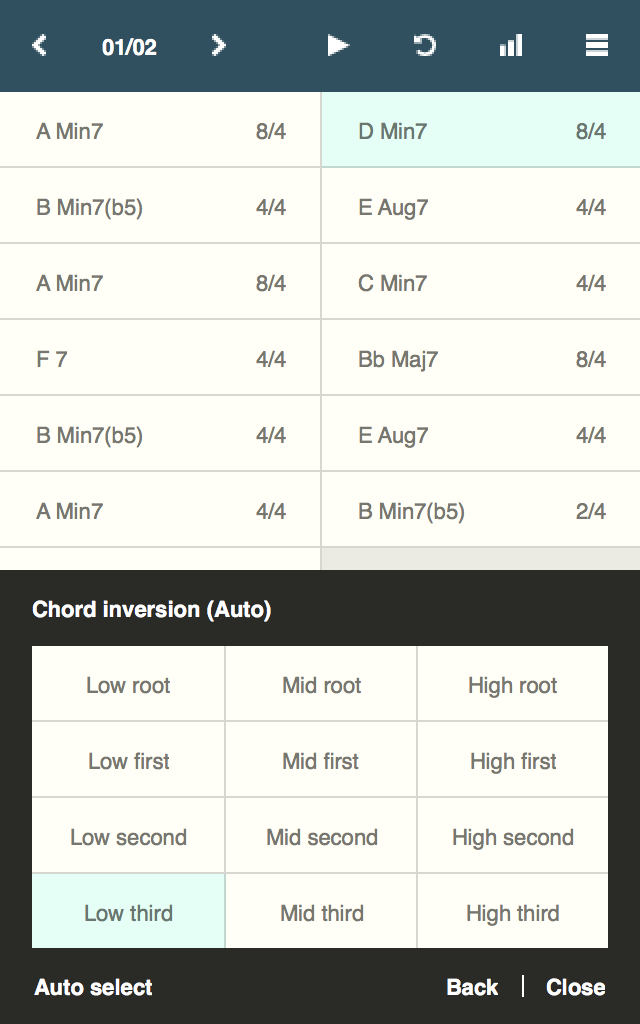
Fiddle around with chords and arrangements in real-time until you find something you like* Export as MIDI, refine in DAW, release song, profit (optional)Key features:* 60+ chord types in all keys and inversions* 400+ dynamically mixable instrument tracks* Key/inversion/root note control* Support for song sections with separate arrangements/mixer settings* Song-O-Matic - Automatic song generator with pop, jazz and experimental profiles* MIDI/WAV exportThis is the full version of Chordbot with all features enabled.
There is also a free evaluation version (Chordbot Lite) with disabled save/export features that you could/should try before buying this version.See chordbot.com for more information and audio demos.Please report all bugs and problems to:[email protected] and performance fixes
J
5
★
★
★
★
★
I got this when I didn't think inversions mattered and didn't know modal music existed. The more I learn about theory, the more I appreciate it! It's aware of your key and can handle any mode, not just major or minor. You can change your inversions and immediately compare. I'm just learning about tonicized stuff; I think they color-code all the key's Good Chords green, the ones commonly tonicized yellow, and the rest red. Great for writing/testing progressions, not as a performance companion.









