
You must be inside a Georgia State library to download the app to your phone or tablet.
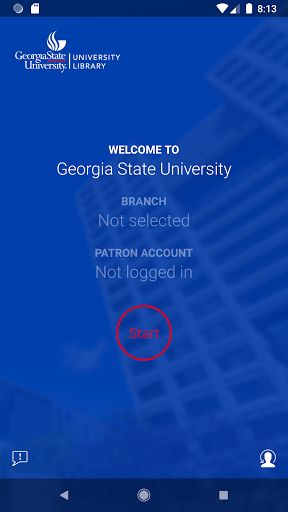
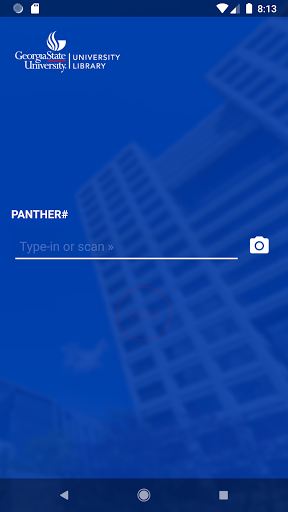
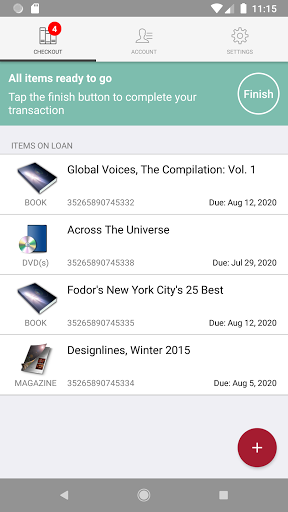
Skip the line at the service desk and use your device to scan the book when you select it from the shelf.To borrow books: • Open the app and sign in with your Campus ID and password• Allow the app to access your camera and location• Use your camera to scan the barcode of the book you want to check out• Deactivate the books you selected at the self checkout kiosk near the service desk before you leave the libraryThe app is available for Alpharetta, Atlanta, Clarkston, Decatur, Dunwoody and Newton.
If you do not want to use your device, you may use the self checkout kiosk near the service desk.
Questions?
Ask at the service desk or email [email protected]
https://andro.io/app/c84053978
 Power 100
Android app profile
Georgia State Self Checkout for Android – Latest Version & Features
by Meescan Inc.
★★★★★
(0 ratings)
Rate this app
How do you feel about Georgia State Self Checkout?
Thanks for your feedback!
> 2.2k
Monthly Downloads
~$900
Estimated Cost
Screenshots









