
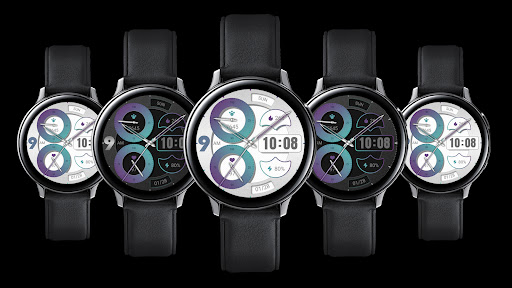
Bimodal Quartz For Wear OSThese watch faces run on Wear OSHighlight 1: Automatic switching mode: Display a light background during the day and switch to a dark background at night.Highlight 2: Manual Switching Mode: Click on non functional areas to support manual switching, reject single options, and balance personality.1.
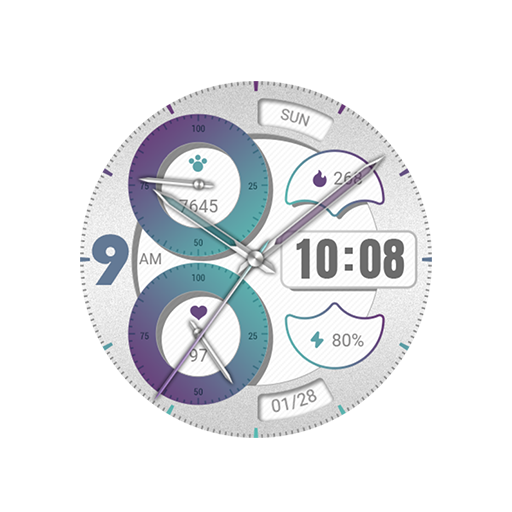
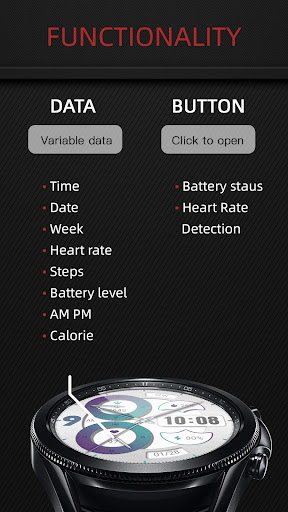
Top: Week, Steps, Step Target Percentage Pointer, Calories2.
Middle: In the morning and afternoon, time3.
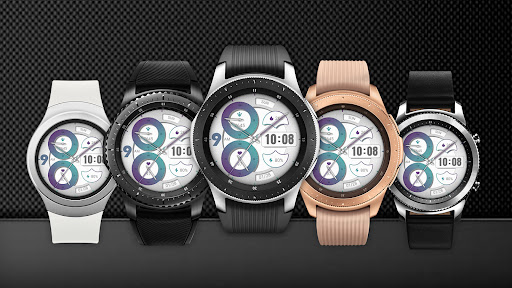
Bottom: Heart rate, heart rate percentage pointer, battery level, dateCompatible with devices: Pixel Watch, Galaxy Watch 4, Galaxy Watch 5, Galaxy Watch 6 and other devicesHow do I install the watch face on WearOS ?1.
Install it from Google Play Wear Store on your watch2.
Install the companion app for fully customization (Android phone devices)
https://andro.io/app/bimodalquartz
 Power 100

Android app profile
Bimodal Quartz For Wear OS for Android – Latest Version & Features
by ZKin
★★★★★
(0 ratings)
Rate this app
How do you feel about Bimodal Quartz For Wear OS?
Thanks for your feedback!
> 2.2k
Monthly Downloads
~$900
Estimated Cost
Screenshots









