
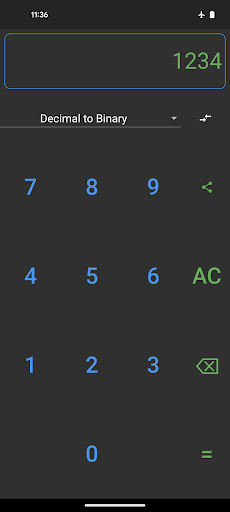
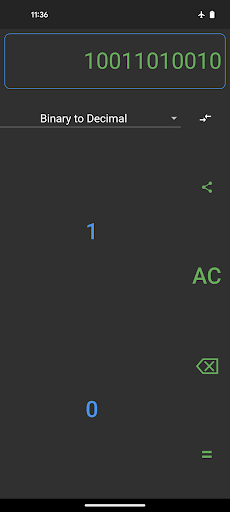
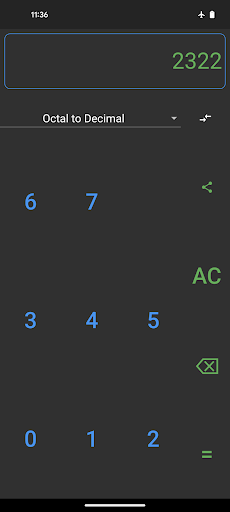
This app will let users convert numbers from- decimal to binary- decimal to octal- decimal to hexadecimal- binary to decimal- octal to decimal- hexadecimal to decimalThis app will show easy-to-read steps of conversion.
There is a next button in the steps screen that makes it easy to see each step animated.Supports multiple screen sizes and layouts.
You can use the app on a mobile phone, small tablet, or even large tablet.A built-in keyboard that will adjust to selected number conversion.
A reverse button will make it easier to swap the original and target base.A light and dark theme that will save energy and be easy on your eyes.
The app will automatically detect the device theme and change the theme accordingly.
https://andro.io/app/base-converter
 Power 100

Android app profile
Base Converter (Step by Step) for Android – Latest Version & Features
★★★★★
(0 ratings)
Rate this app
How do you feel about Base Converter (Step by Step)?
Thanks for your feedback!
> 2.2k
Monthly Downloads
~$900
Estimated Cost
Screenshots









