
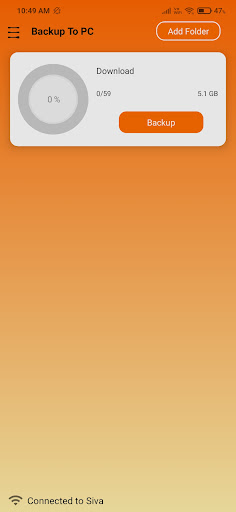
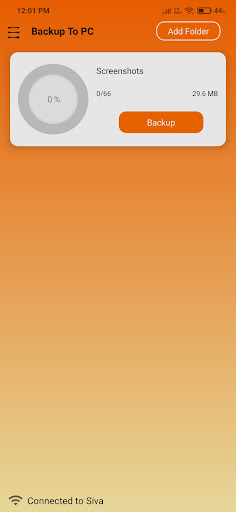
* Install Receiver(PC or Laptop).* Connect both App and Receiver(PC or Laptop) to same wifi.* Launch app or click retry↺ button.* Wait until Receiver connects to app, then app will display receiver name at bottom.* Choose a folder to back up in app, Receiver will display chosen folder.* Select path for folder in receiver by clicking Choose button.* In app click on backup to start the backup to receiver.* App will notify once backup is completed.* Note: Restart receiver if network is reconnected.Get Receiver for Desktop :https://nsiva7.github.io/Backup-To-PC-Receiver
https://andro.io/app/backuptopc
 Power 100


Android app profile
B2PC Backup To PC using WIFI for Android – Latest Version & Features
by Siva Nimmala
★★★★★
(0 ratings)
Rate this app
How do you feel about B2PC Backup To PC using WIFI?
Thanks for your feedback!
> 2.2k
Monthly Downloads
~$900
Estimated Cost
Screenshots









