
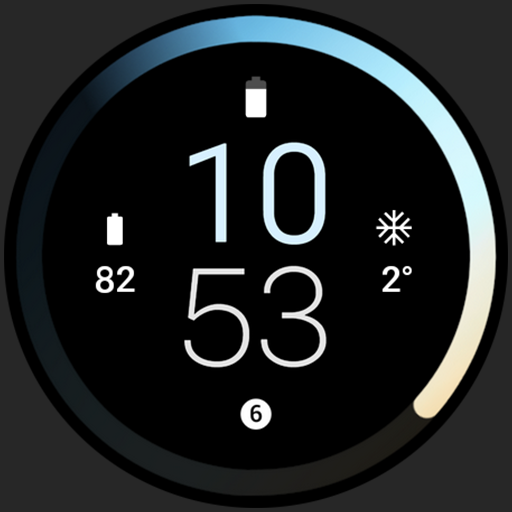
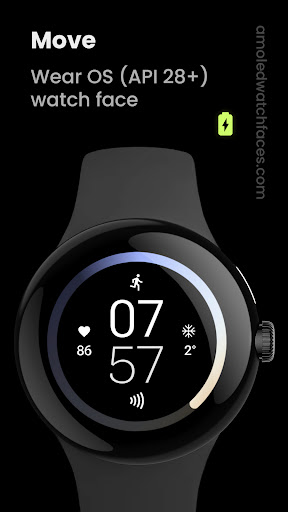
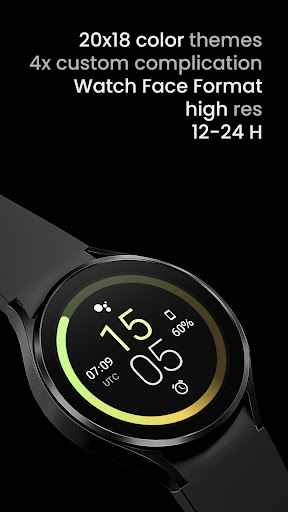
Only for Wear OS devices - API 28+// Not suitable for rectangular watchesPowered by Watch Face Formatamoledwatchfaces.comBUY ONE GET ONE OFFER!amoledwatchfaces.com/bogoADDITIONAL COMPLICATION APPSHealth Plugin; Distance, Calories, Floors, Heart Rate, Steps: https://bit.ly/3OULtDbComplications Suite: https://bit.ly/3yuRwr1Phone Battery Complication: https://bit.ly/3c31hozFavorite Apps Tile: https://bit.ly/8fks436FEATURES• high resolution• true black BG• small app size• PNGQuant optimized layers > battery friendly• wear OS 3 optimized• Meteora seconds indicator• 19x color styles• 12/24 H• simple ambient mode with low OPRCONFIGURATIONS (API 33+)• long press watch center > open customization settings 1.
Sec Indicator (19 Gradients) 3.
Color (Default + 19x) 4.
Custom complications (4x) • (API < 30) NOTE!
Style #2 rewrites Style #1.
In order to set colors from Style #1 after you set Style #2, you need to switch Style #2 into default position (hidden) Installation and troubleshooting guide:https://amoledwatchfaces.com/guideFor full functionality please manually enable Receive complication data permission!
Phone app serves only as a placeholder to make it easier to install & find the watch face on your Wear OS watch.
You have to select your watch device from the install dropdown menuPlease send any issues reports or help requests to our support [email protected] our Telegram group for live support and discussionhttps://t.me/amoledwatchfacesamoledwatchfaces™ - Awf
https://andro.io/app/awfmovehyb
 Power 100

Android app profile
Move: Watch face for Android – Latest Version & Features
★★★★★
(0 ratings)
Rate this app
How do you feel about Move: Watch face?
Thanks for your feedback!
> 2.2k
Monthly Downloads
~$900
Estimated Cost
Screenshots









