
This is another of our apps focusing on providing information for those who are interested in exploring Texas.
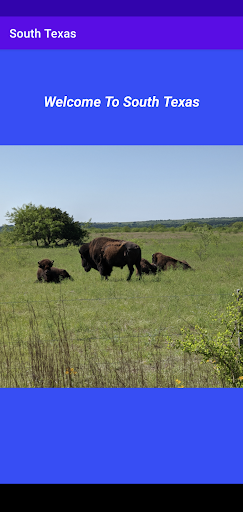
This app covers South Texas.
South Texas is home to some of the earliest settled areas in the State, with roots going back to the Spanish.
The area has a unique mixture of cultures, including Spanish, Mexican, Anglo, German, and many more.
This app includes towns and cities such as: San Antonio, Schertz, Seguin, Victoria, Cuero, Gonzales, Floresville, Goliad, Beeville, Pleasanton , Castroville, Pearsall, Cotulla, Kenedy How to Use:Locate the area you want to visit, press on the marker and you will be taken to a close up map of the city or area.
Points of interest and local businesses are highlighted.
Press on a point of interest and a panoramic view appears.
Select Directions from the option menu, and the app will give you driving directions from you current location to the destination.You can select what type of map you wish to see, from the standard, to satellite, a hybrid, or a terrain version.
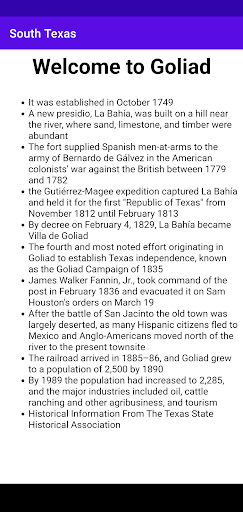
Once you are in a town press on the main marker and you will be able to read a brief history of that town or location.
https://andro.io/app/arctexastourst
 Power 100


Android app profile
Texas Day Tours - South Texas for Android – Latest Version & Features
by ARCTexas
★★★★★
(0 ratings)
Rate this app
How do you feel about Texas Day Tours - South Texas?
Thanks for your feedback!
> 2.2k
Monthly Downloads
~$900
Estimated Cost
Screenshots




