
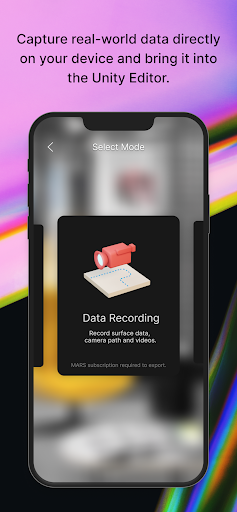
Capture real-world data directly on your device and bring it into the Unity authoring environment to quickly create and iterate on your AR experience.
**This app requires the Unity Editor.
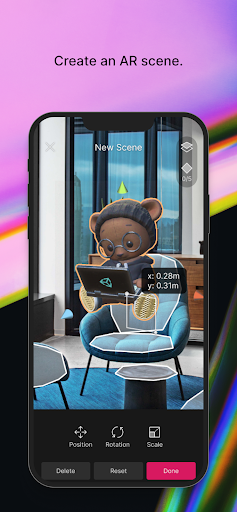
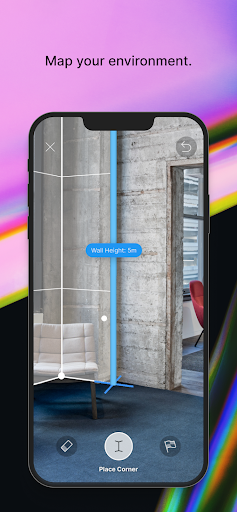
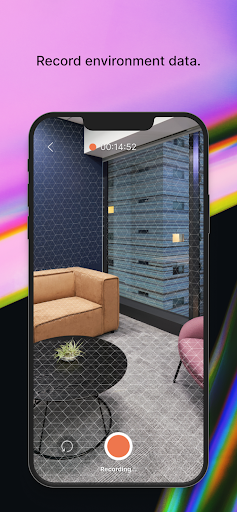
Some features require a Unity MARS subscription (see the requirements below).**Decrease iteration time and deliver better AR experiences that will accurately run in the location they’re built for.Unity AR Companion app features:ENVIRONMENT CAPTURE (Unity MARS subscription recommended.)- Capture a static environment scan of a room, location or various planes- Use video to record real-world data for playback- Use video to capture walk-throughs of your target locationAR SCENE EDITING (Unity MARS subscription recommended.)- Import content and layout assets directly on your device- Create image-based markers or add a hotspot- Create in-Editor game objects and preview them directly on device – without needing to manually export/import- Import 3D-scanned inventory or other assets and immediately inspect their look and feel on the target mobile platform- Assign placement constraints, like surface elevation and minimum dimensions, to your digital objectsSTORE AND SYNC- Sync in-Editor assets to the cloud and have them immediately reflected on your device- Includes 1 GiB of cloud storage with your Unity Connect account- Includes 10 GiB of cloud storage for every seat of Unity MARSNote: The Unity AR Companion app works alongside the Unity MARS authoring environment.
For more information, visit unity.com/mars.
You do not need to have a subscription to Unity MARS to use the Unity AR Companion; however, current functionality will be limited.
https://andro.io/app/ar-companion
 Power 100
Android app profile
Unity AR Companion for Android – Latest Version & Features
★★★★★
(0 ratings)
Rate this app
How do you feel about Unity AR Companion?
Thanks for your feedback!
> 2.2k
Monthly Downloads
~$900
Estimated Cost
Screenshots









