
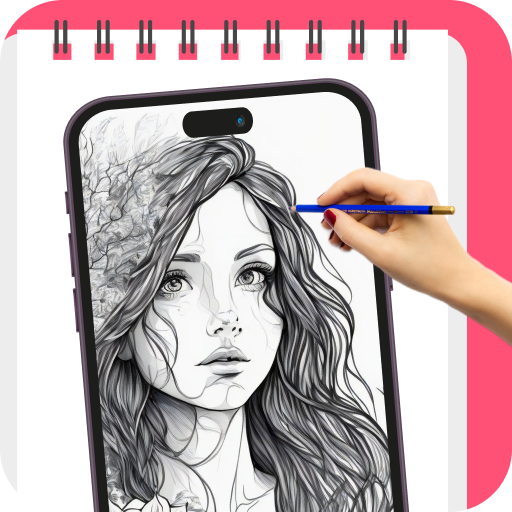
AR Draw: Paint and sketch an innovative application which uses augmented reality (AR) technology to transform any image to pencil sketch.
This app is not only for artists but also for those who want to learn to draw.
Users can show imaginations and this app will turn into reality.
This drawing app transforms your ordinary pictures to extraordinary art.
Now, you can turn your ideas into unique artworks.AR Drawing: Trace and sketch app lets you trace any image accurately and paint using augmented reality.
With a wide range of features, you can effortlessly trace and sketch any image in seconds.
You just need to follow some simple steps, then your sketch will be ready.How to use:1.
Place the mobile on the object2.
Open AR Drawing app3.
Import or choose picture from art gallery4.
Convert your image to sketch5.
Adjust picture on paper6.
Save and share with anyone.Features:- Trace any image using camera- 500+ tracing templates of different categories- Learn drawing and tracing- Sketch on paper- Sketch improvement various options- Convert images to pencil drawing- Built-in flashlight- Create video clips of sketching- Save and share sketches with anyone
https://andro.io/app/app-ythp
 Power 100


Android app profile
AR Drawing Art: Trace & Sketch for Android – Latest Version & Features
by Status Downloader, Photo & Video Saver Apps
★★★★★
(0 ratings)
Rate this app
How do you feel about AR Drawing Art: Trace & Sketch?
Thanks for your feedback!
> 2.2k
Monthly Downloads
~$900
Estimated Cost
Screenshots









