
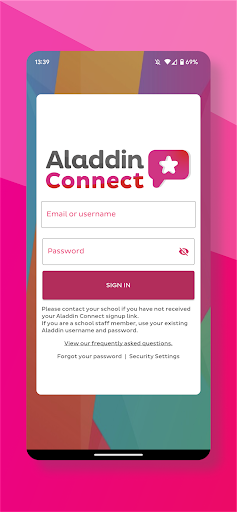
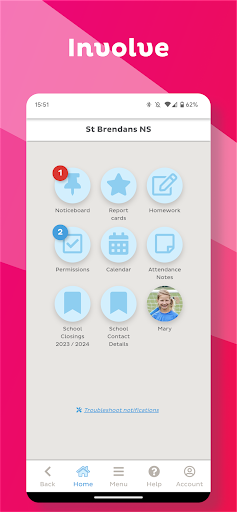
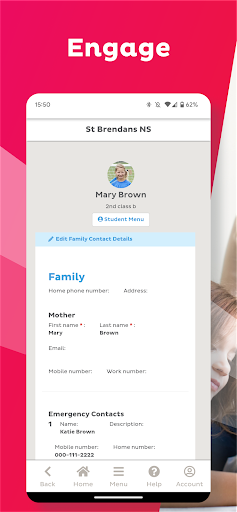
The Aladdin App gives parents, teachers and administrators access to relevant student information and delivers push notifications from your school directly to your device.
Discover some of the major benefits of Aladdin Connect for both parents and school including:• Book your parent teacher meetings instantly with zero hassle• Keep up to date with your childs records throughout the school year• Never miss an update from the school with app messaging• Reduce the need for notes through the submission of absence reasons• Submit permissions to the school with the tap of a buttonMake sure you check each of the following areas:• Confirm that your school is currently subscribed to Aladdin Connect and you have completed the registration process with your unique link sent by the school.• Make sure your phone is marked as a ‘Personal Device’ in login settings in order to receive app notifications • If you wish to remain logged in please either select “keep me signed in” or Use Biometrics from the login settings pagePlease Note: Your device will need to be password protected and/or have biometrics setup for this option.
https://andro.io/app/app-1369h
 Power 100

Android app profile
Aladdin Schools Connect for Android – Latest Version & Features
★★★★★
(0 ratings)
Rate this app
How do you feel about Aladdin Schools Connect?
Thanks for your feedback!
> 2.2k
Monthly Downloads
~$900
Estimated Cost
Screenshots









