

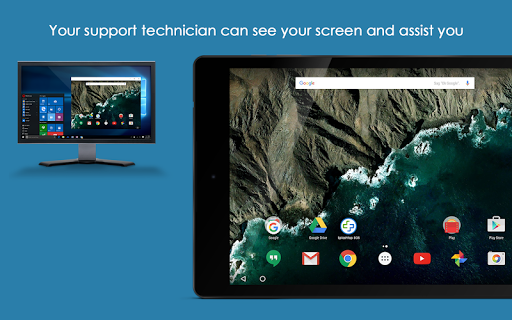
This add-on enables remote control of a Handheld device through the Splashtop SOS app or Splashtop Streamer app by a technician using Splashtop Rugged & IoT Remote Support.
Using this add-on with Splashtop SOS:1.
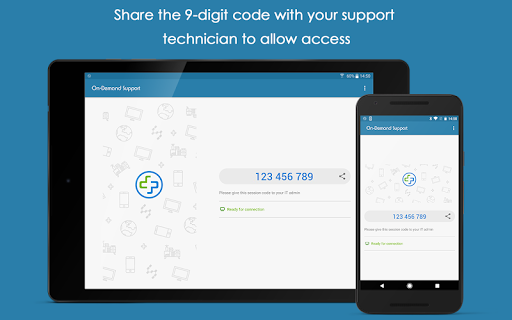
Download and launch Splashtop On-Demand Support (SOS) app on your mobile device (https://play.google.com/store/apps/details?id=com.splashtop.sos)2.
Install the appropriate Add-on per the instructions in the SOS app3.
Share the session ID to your remote technician who will use their Splashtop Rugged & IoT Remote Support account to remotely access and control the deviceUsing this add-on with Splashtop Streamer:1.
Download and launch Splashtop Streamer app on your device (created and deployed from your Splashtop Remote Support account)2.
Install appropriate Add-on per the instructions in the Streamer app3.
Use the Splashtop Rugged & IoT Remote Support product that you obtained from Splashtop to remotely access and control the device.
https://andro.io/app/app-1248689

Rate this app
How do you feel about Splashtop Add-on: Handheld?
Thanks for your feedback!
> 2.2k
Monthly Downloads
~$900
Estimated Cost
Screenshots









