
https://andro.io/app/aor-pocketgit
Pocket Git for  Android – Latest Version & Features app icon
Android app profile

Pocket Git for Android – Latest Version & Features

by

4.8 (5728 ratings)
Power 100

Price

$1.99

Version

10,000+

Updated

Size

3 Mb

Rate this app

How do you feel about Pocket Git?

Thanks for your feedback!

> 2.2k

Monthly Downloads

~$900

Estimated Cost

Screenshots

About Pocket Git

Pocket Git is a powerful standalone Git client for Android with the following features:
★ Simple interface.
★ Clone repositories.
★ Support HTTP and SSH protocols.

★ Passwords and private keys (with passphrase).

★ Automatically capture Github and Bitbucket links.
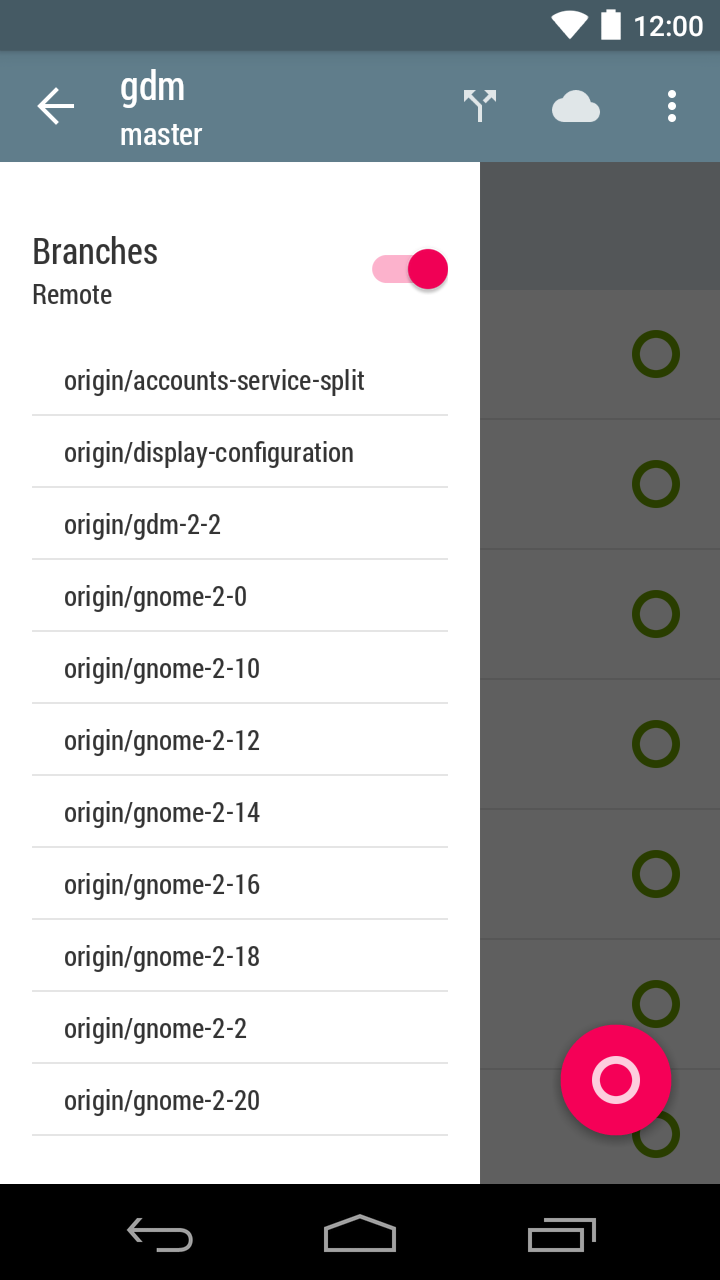
★ Checkout local and remote branches, individual commits and tags.
★ Stage, unstage and commit.
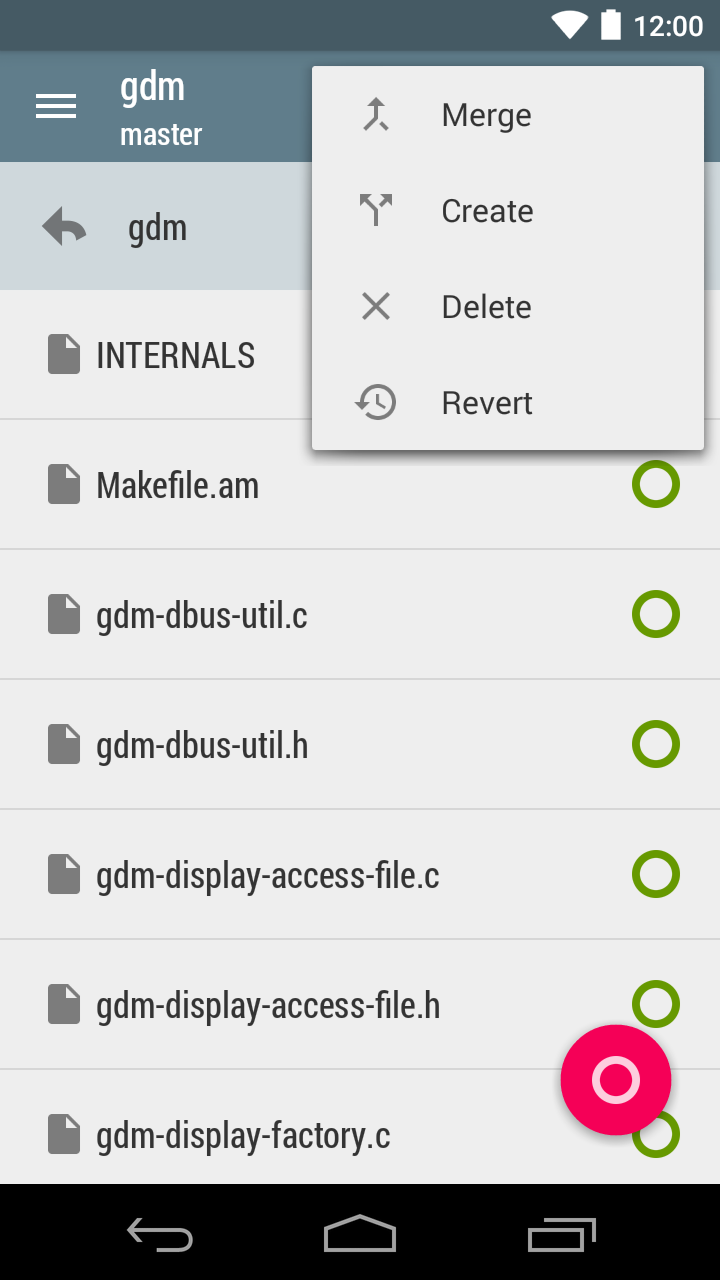
★ Merge, create and delete branches.
★ Create and delete tags.
★ Create files and folders.
★ Edit files in a external editor (e.g.
DroidEdit).
★ Revert changes to single files or complete working tree.
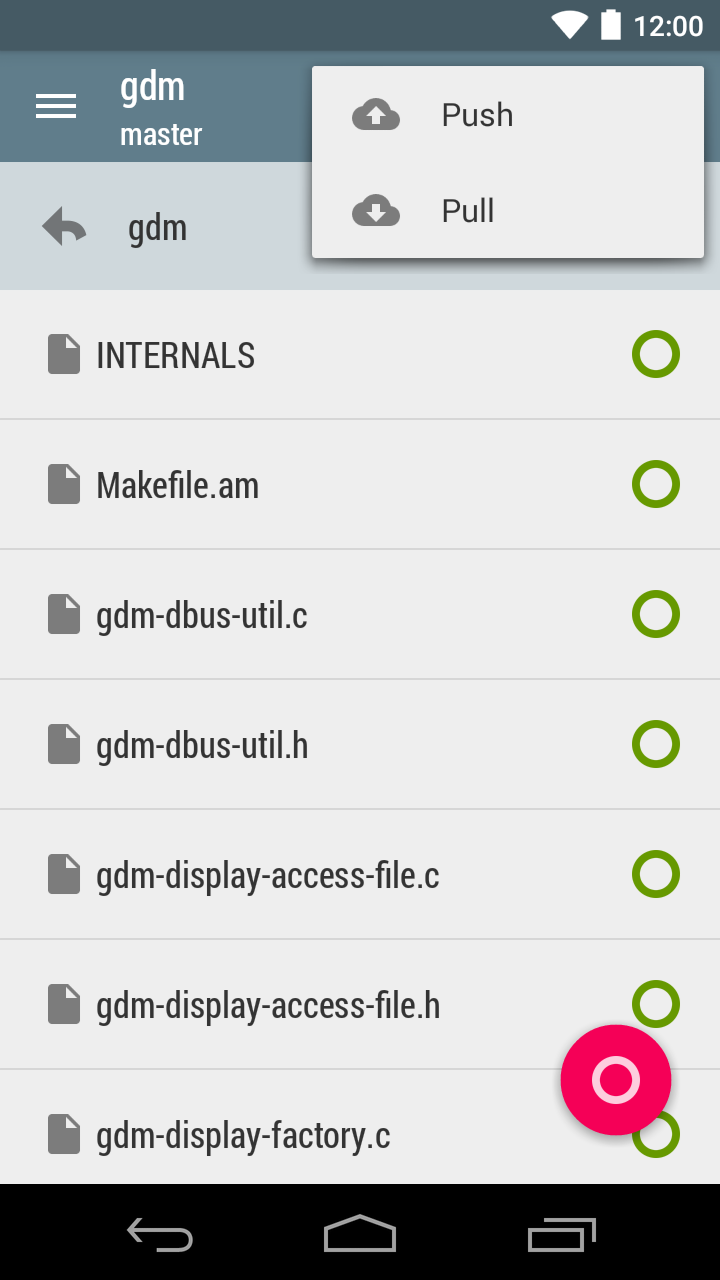
★ Push, pull and fetch from remotes.
★ Projects with more than one remote.
★ Graphical log.
★ View differences before commiting.
★ View differences for each commit.
★ View differences, for any file, between current working tree and HEAD.Small changes to improve Android Oreo support.

Version History

Latest version

10,000+

Small changes to improve Android Oreo support.

Price changed · $1 → $0

Price changed · $1 → $1

Price changed · $1 → $1

User Reviews

M
4

good, intuitive app, but how do you push?

K
1

Want to use it but it kept telling me that my private SSH key is in the wrong format. I had copied it directly from my computer following github's instructions to creating an SSH key. Please help. I had heard good things about this app but have no chance to use it.

4

I think it is the best git client for android. All functions what I need I found in this app. So, guys, if you want one more star, please, add the dark theme.

M
1

Fails to clone a repo from github with the message “Invalid Private Key”. There is no FAQ or support section on the app website.

M
2

Kinda works but I must stage all the files by hand 😒

M
1

Didn't work with BitBucket, no error given

R
5

I have been looking for a way to do development on my Chromebook but source code control with GitHub was an issue. I purchased Pocket Git since I can install Android apps on my Chromebooks. Once I was mapped Pocket Git to the shared Pictures folder I was able clone easily. I was a bit puzzled on how to add files until I reread the manual and the key was a long hold on the file to add. Once I did that I could add all files in a folder. Commit and push was easily done. Very nice app!!!

Share

Share Pocket Git

Help others discover this Android app.

Pocket Git

Pocket Git

$1.99

Get





