
Wear OS Watch faceIMPORTANT AFTER INSTALLATION - after installation, the phone will open a refund link that will be visible on the watch.
To find a watch face dont press refund and browse the watch face library to find a watch face.Wear OS watch screen companion app for phone: Immediately after installing the mobile application, a message will appear when you open the application.
You need to tap on the watch face image to start the process of installing the watch face on your watch.
Once the installation process is complete, the companion app can be deleted.
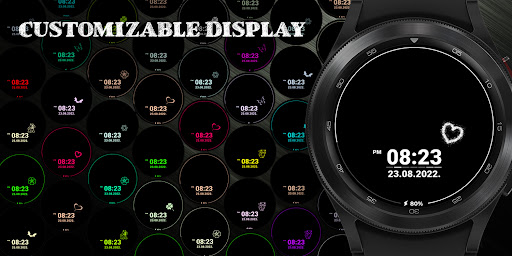
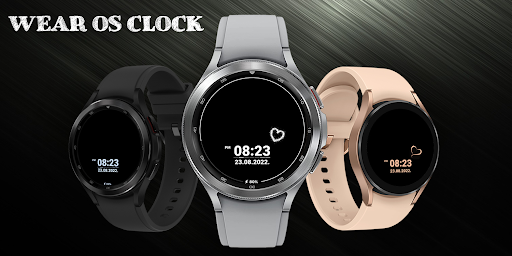
After installation, browse the watch face library to find the screen face.Main Features:- Animated Watch face- Customizable display- Multiple color options- AM/PM marker- Date- Battery level status- Always on display- Customizable widget complicationsApp Shortcuts:- Tap on date to open calendar- Tap on clock time indicator to open alarm- Tap on battery level status to open the battery options- Tap on widget complication to open additional appIMPORTANT NOTICE :For full functionality, please enable sensor and complication data permissions.The features offered may differ depending on the machine and its model.
https://andro.io/app/aod3
 Power 100


Android app profile
AOD for Android – Latest Version & Features
★★★★★
(0 ratings)
Rate this app
How do you feel about AOD?
Thanks for your feedback!
> 2.2k
Monthly Downloads
~$900
Estimated Cost
Screenshots









