
Introducing the Wear OS watch face that brings the magic of anime characters to life, allowing them to reflect your unique vision of yourself and your personality.
This captivating watch face is designed to spark joy and ignite your inner childs delight.
Magic & Illustrations
💌 Write to [email protected] for assistance.
⚙️ Phone App FeaturesThis phone app is simply a tool to facilitate installation and locating the watch face on your Wear OS watch.
Only the mobile app contains ads.
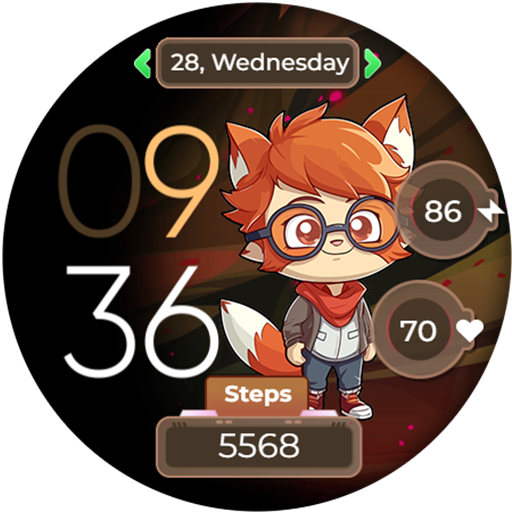
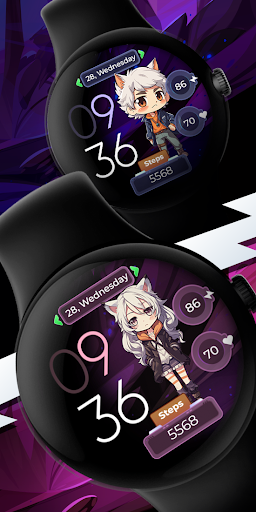
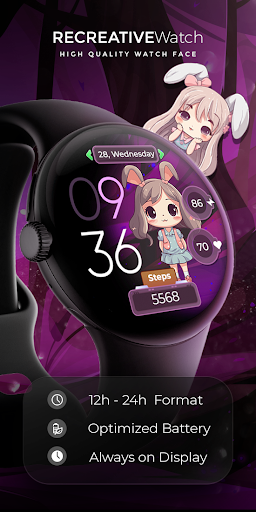
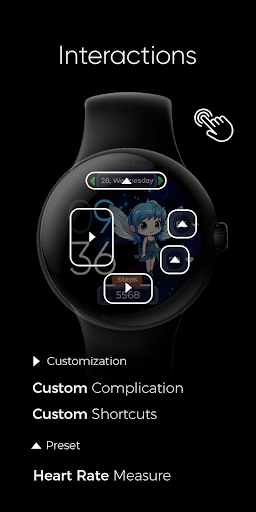
⚙️ Watch Face Features• 12/24h Digital Time• Date• Battery• Heart rate• Steps Count• 1 customizable Shortcut (invisible)• 1 customizable Complications• 10 Anime Characters - Multiple Styles• Color Variations• Always ON Display supported with changeable colors and changeable modes
⚠️ Heart Rate IssuesFollow this link: https://www.recreative-watch.com/help/#heart-rate
⚠️ Installation IssuesFollow this link: https://www.recreative-watch.com/help/#installation-methodes
⚠️ Payment Issue/Pay Again IssueFollow this link: https://www.recreative-watch.com/help/#payment-issue
⚠️ How to Set the Watch FaceFollow this link: https://www.recreative-watch.com/help/#set-watchface
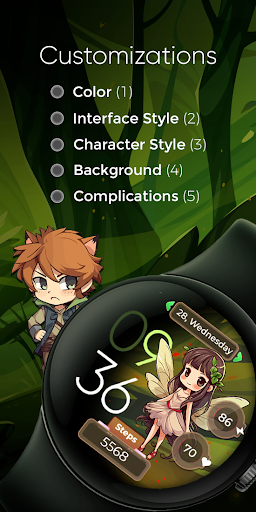
🎨 Customization1 - Touch and hold display2 - Tap on Customize option
🎨 ComplicationsTouch and hold display to open customization mode.
You can customize the field with any data you want.
For example, you can select weather, time zone, sunset/sunrise, barometer, next appointment, and more.
🔋 Battery For better battery performance of the watch, we recommend disabling the "Always On Display" mode.
❤️ Heart Rate To view your current heart rate data you’ll need to take a manual measurement.
To do this, TAP on the heart rate display area.
The watch face can automatically measure your heart rate every 10 minutes.Ensure that you have granted permission for sensor usage during the installation of the watch face.
If not, switch to a different watch face and return to this one to enable sensor access by tapping on Heart Rate.⌚ Supported DevicesThis watch face supports all Wear OS devices with API Level 28+ like Samsung Galaxy Watch 4, Galaxy Watch 5, Pixel Watch etc.⭐ Instagramhttps://www.instagram.com/recreativewfs/⭐ Facebookhttps://www.facebook.com/profile.php?id=100083117352886
https://andro.io/app/animecharacters
 Power 100
Android app profile
Anime Characters - Cute Art for Android – Latest Version & Features
★★★★★
(0 ratings)
Rate this app
How do you feel about Anime Characters - Cute Art?
Thanks for your feedback!
> 2.2k
Monthly Downloads
~$900
Estimated Cost
Screenshots









