

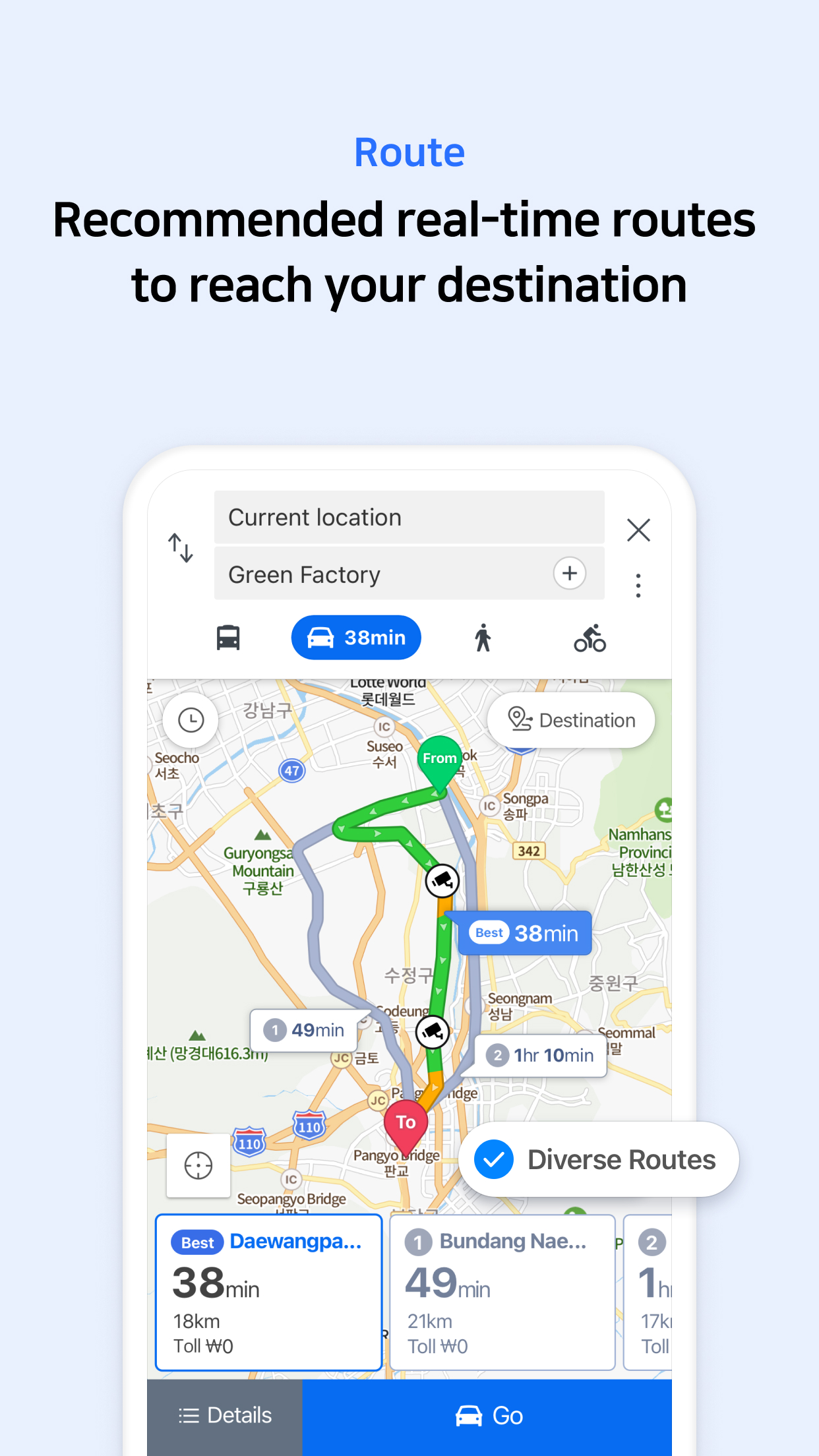
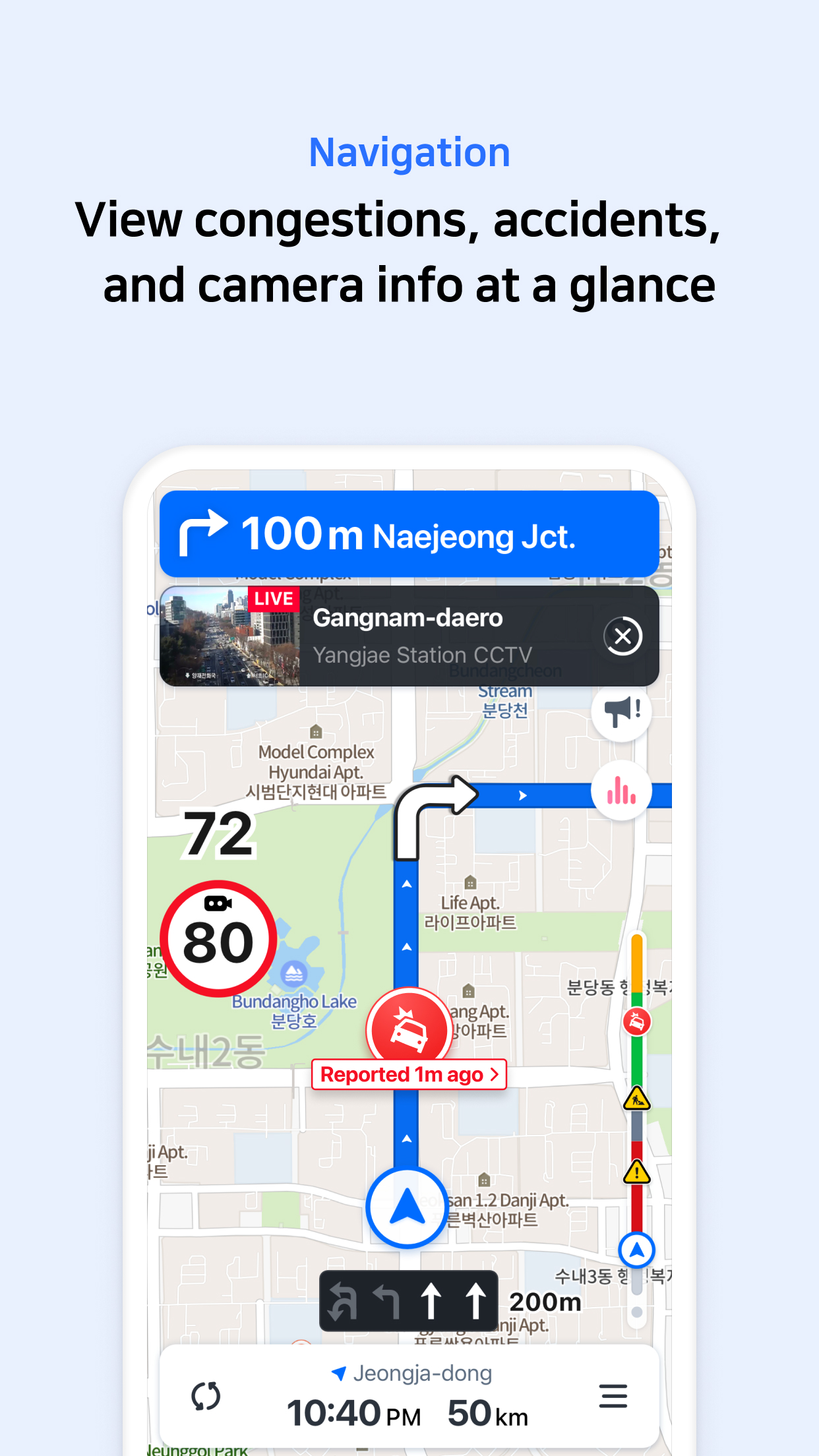
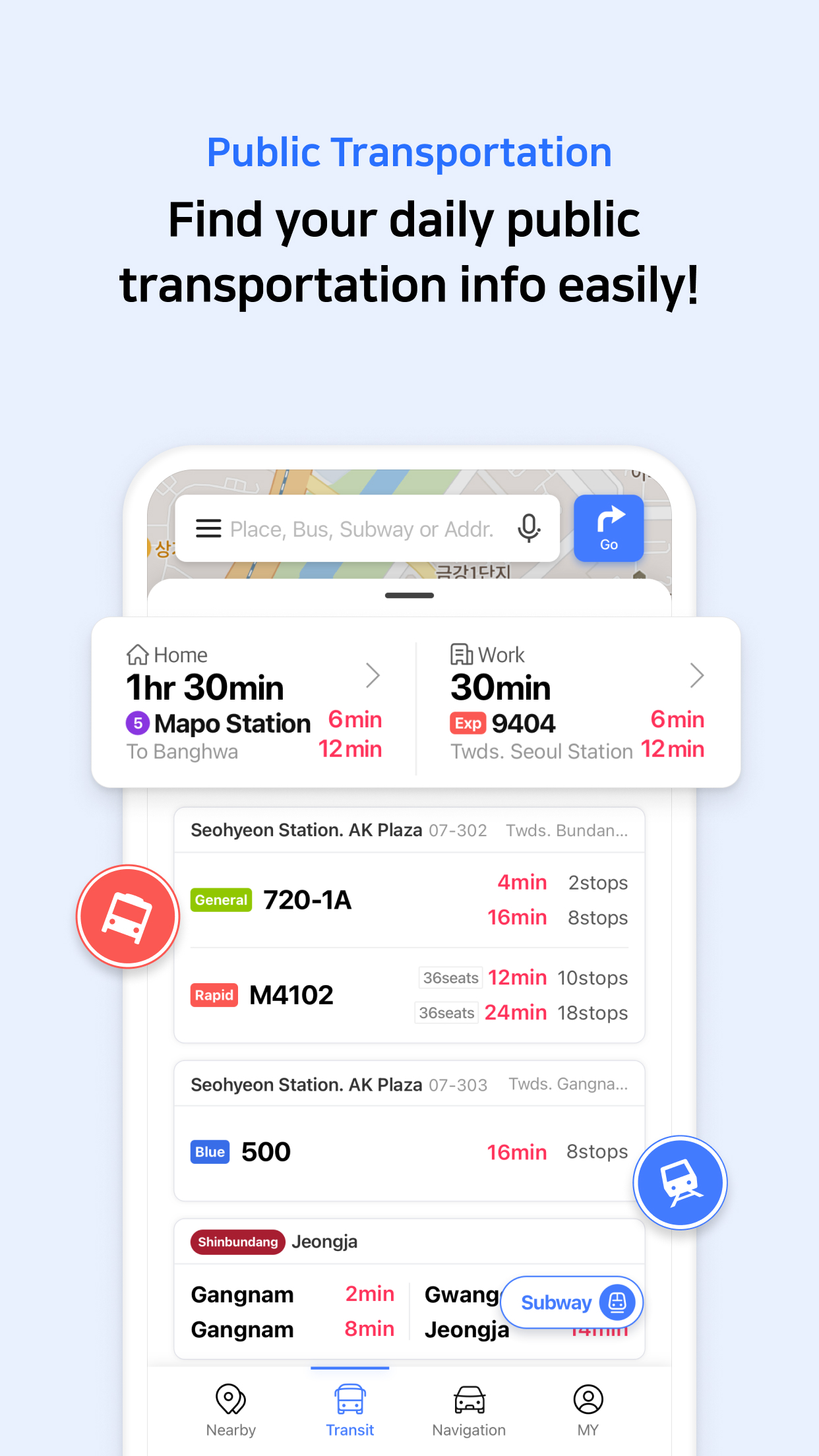

South Koreas GPS navigation Get started right away* Experience the completely new Naver Map.[Key features]- Menu tab for Map homeQuickly access and use Nearby, Public Transportation, Navigation and the MY tab from the home screen.- Simplified searchSearch locations, buses, subway, and more in a comprehensive search bar.- Nearby (SmartAround)Check restaurants and places to visit in your surroundings provided by NAVERs user data.- NavigationFast and accurate navigation with real-time traffic info and optimized usability for any driving condition.- Vector map360 degrees rotation-enabled vector map with 3D view of key landmarks via tilting.- Public transit time calculatorSet your departure date and time to view the best route and arrival time.- Street viewSeamless street and aerial views provided for location search and route planning.- FavoritesPin and save travel plans, restaurants, and other points of interest in folders and view them on the map.- Instant searchView useful info about your query, such as opening/closing times for supermarkets while you search.- LanguageKorean/English/Japanese/Chinese maps and English navigation provided.*Requires Android OS 5.0 or later*Find out more tips on how to use Naver Map- Naver Map customer service: http://naver.me/GYywEiT4- Naver Map blog: https://blog.naver.com/naver_map----*User confirmation for Naver MapEnabling the below privacy settings is recommended:(Some features to make calls and send messages while navigating is supported only in Korea)- Microphone: Used to provide voice search or voice comman.(KR only)- Location: Used to find users location when users find direction or use navigation.- Phone: A device ID is used to check and change the login status for security.
Used to make calls while navigating.(KR only)- Call history: Used to access receipts of phone calls/messages while navigating.(KR only)- SMS: Used to send messages while navigating.(KR only)- Storage: Used to access devices storage to save and read content in order to provide better service.- Contacts: Used in NAVER’s easy login service or to make calls and send messages while navigating.(KR only)- Camera: Used in Feedback and NAVER’s MY - Receipt Confirmation to take photos of receipts.----*Contact: 1588-3820*Address: Green Factory, Buljeong-ro, Bundang-gu, Seongnam-si, Gyeonggi-do, Republic of Korea■ App stability and bug fixes
J
2
★
★
★
★
★
Routing is terrible and directs you in circles when set to English. Routing works fine when set to Korean. I didn't believe it at first but I tested it and sure enough that's what happens.









