

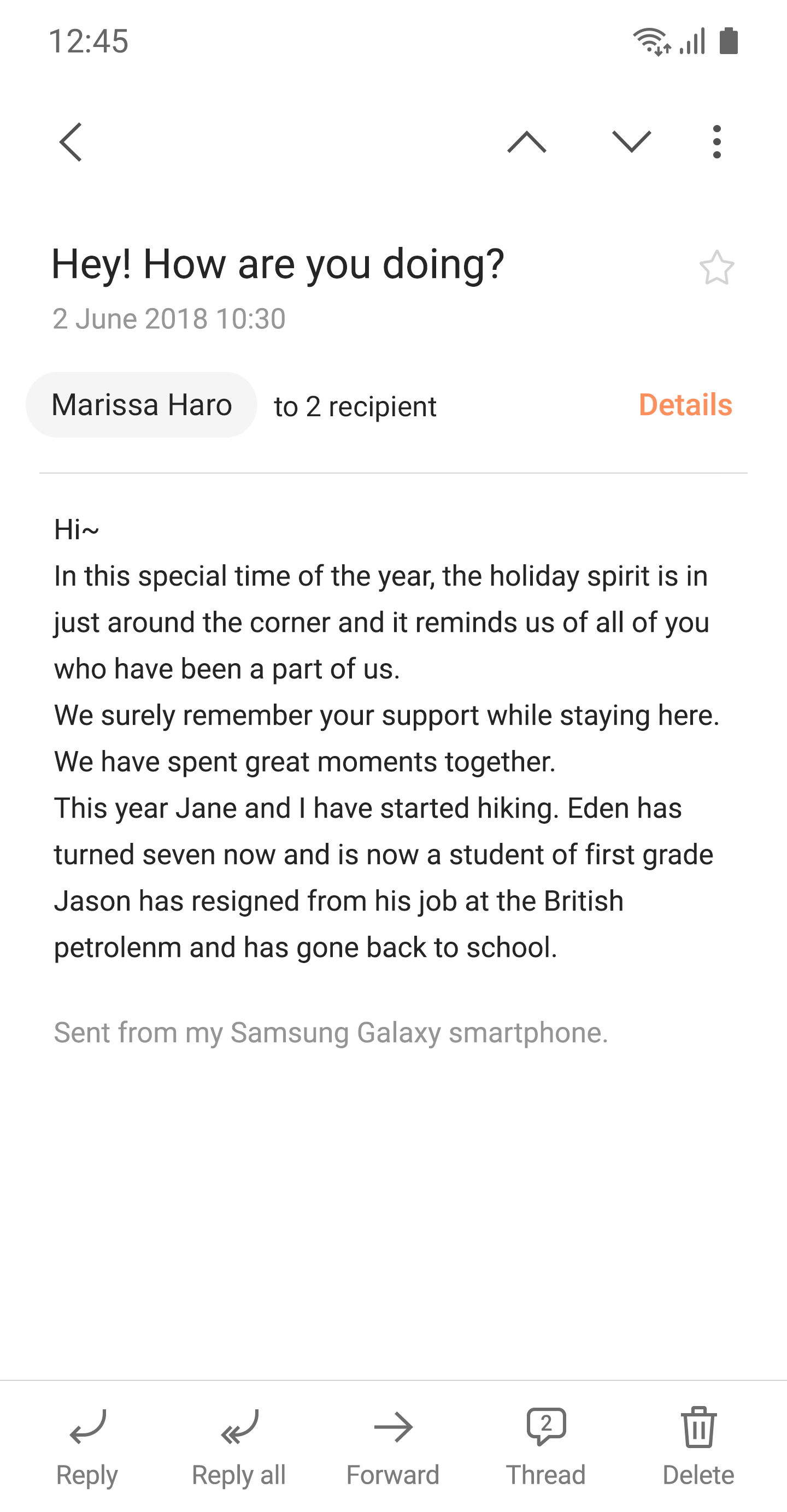
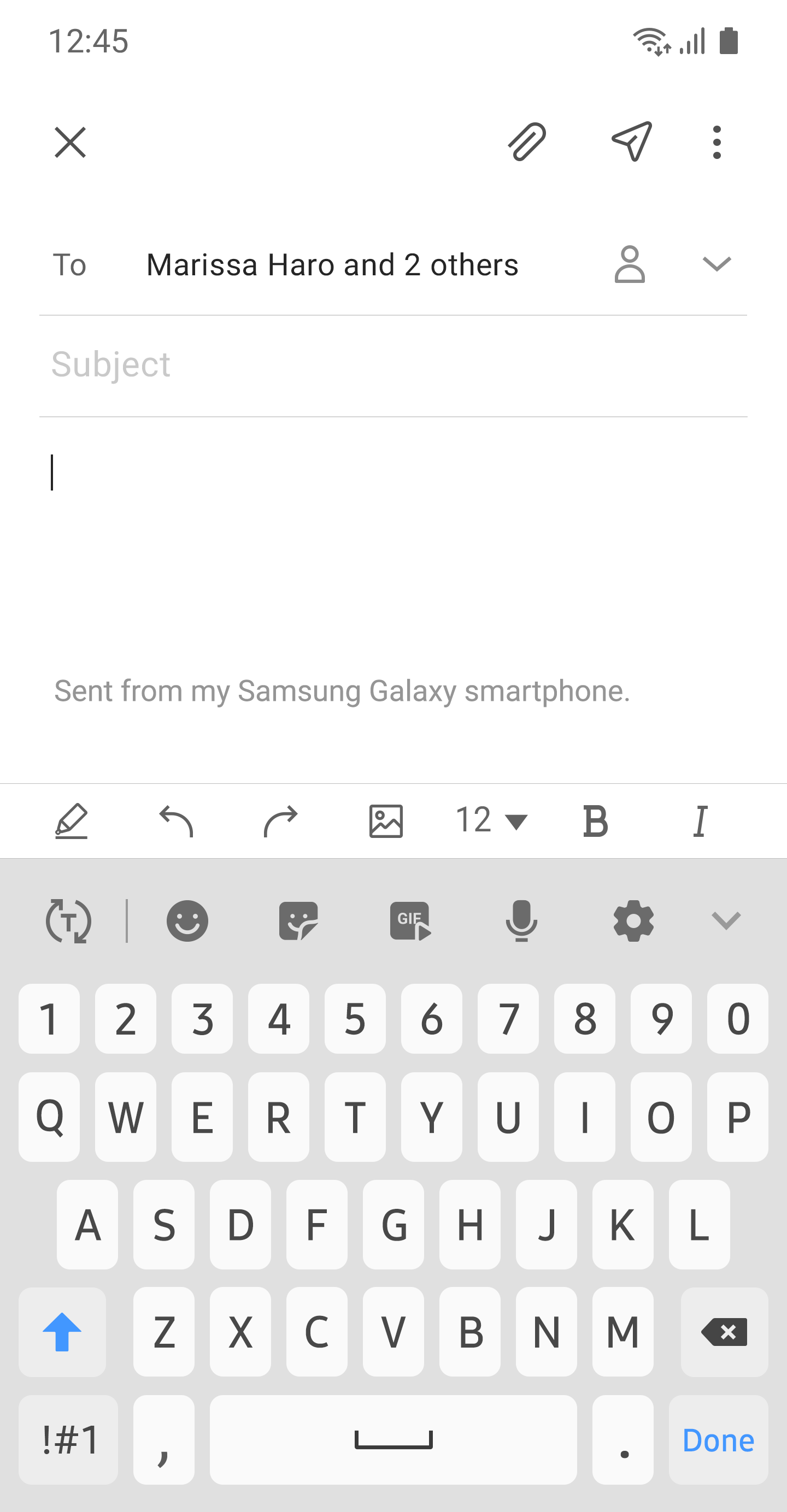
This update is available for Samsung Mobile with Android OS.Samsung Email enables users to manage multiple personal and business email accounts seamlessly. Samsung Email also offers EAS integration for business, encryption using S/MIME to safeguard data and ease-of-use features such as insightful notifications, SPAM management. Furthermore, organizations can administer various policies as needed. Precautions.
Doesnt support SamsungTheme from P OSKey features· POP3 and IMAP support for managing personal email accounts · Exchange ActiveSync (EAS) integration for synchronizing Exchange Server based business email, calendars, contacts and tasks· Encryption using S/MIME for secure email communicationAdditional features· Customizable user experience with notifications, schedule synchronization, SPAM management, and combined mailboxes· Policy administration with comprehensive, built-in EAS support· Conversation and thread view to read related mail--- Regarding the App Access Permission ---The following permissions are required for the app service.
For optional permissions, the default functionality of the service is turned on, but not allowed.[Required permissions] - None [Optional permissions] - Camera: Used to attach photos to email - Location: Used to attach current location information to email - Contacts: Used to link email recipients/senders with contacts and synchronize contact information when using Microsoft Exchange account - Storage: Used to attach files to email or save attached files - Phone: Used to check device-unique identification information when using Microsoft Exchange account..update the cloud library to a new version.
K
1
★
★
★
★
★
After update my in box and spam are filling up with spam emails









