
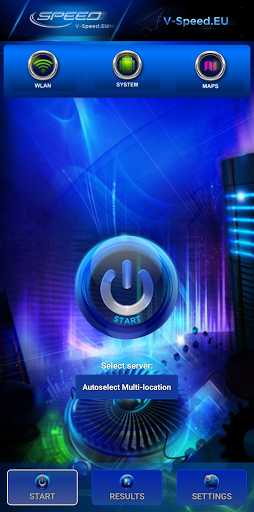
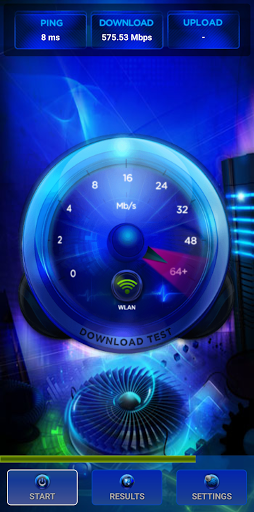
V-SPEED Speed Test is a powerful, advanced tool which helps you to measure Internet connection speed on Android.
The application is equipped with a modern, intuitive interface.
For more experienced users, there is also a large number of configuration options.
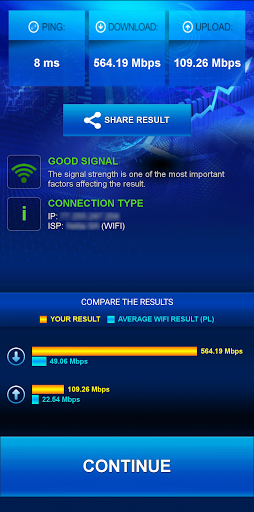
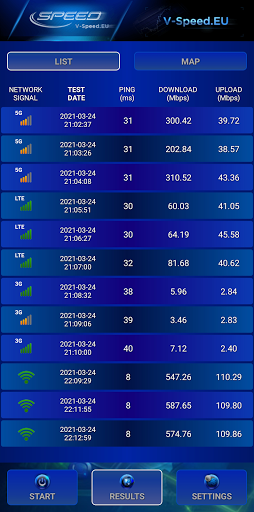
The main features of this app:• WiFi and mobile signal finding tool,• built-in map of the mobile network coverage,• the ability to select the default server for speed check,• tests download speed (downlink)• tests upload speed (uplink)• measurement of data transfer time delays (latency, ping)• two typical data transfer units (kbps, Mbps),• automatic selection of speed check parameters depending on the type of a connection (WiFi, 3G, 4G LTE, 5G)• basic information about the connection (IP address, Internet service provider and organization, SIM operator or name of the WiFi network)• history of results with options to filter and sort the list according to the different criteria,• detailed information about the tests (measured value of download/upload/ping, connection type, date, settings),• easily copy your IP address and results to the clipboard,• publication of results on social networking sites (Facebook, Twitter, etc.).
https://andro.io/app/android-135wa
 Power 100
Android app profile
V-SPEED Speed Test for Android – Latest Version & Features
by V-SPEED.eu
★★★★★
(0 ratings)
Rate this app
How do you feel about V-SPEED Speed Test?
Thanks for your feedback!
> 2.2k
Monthly Downloads
~$900
Estimated Cost
Screenshots









