

https://andro.io/app/appstar-callrecorderpro
Automatic Call Recorder Pro for  Android – Latest Version & Features app icon
Android app profile

Automatic Call Recorder Pro for Android – Latest Version & Features

by

4.6 (1456 ratings)
Power 100

Price

$8.49

Version

500,000+

Updated

Size

6 Mb

Rate this app

How do you feel about Automatic Call Recorder Pro?

Thanks for your feedback!

> 2.2k

Monthly Downloads

~$900

Estimated Cost

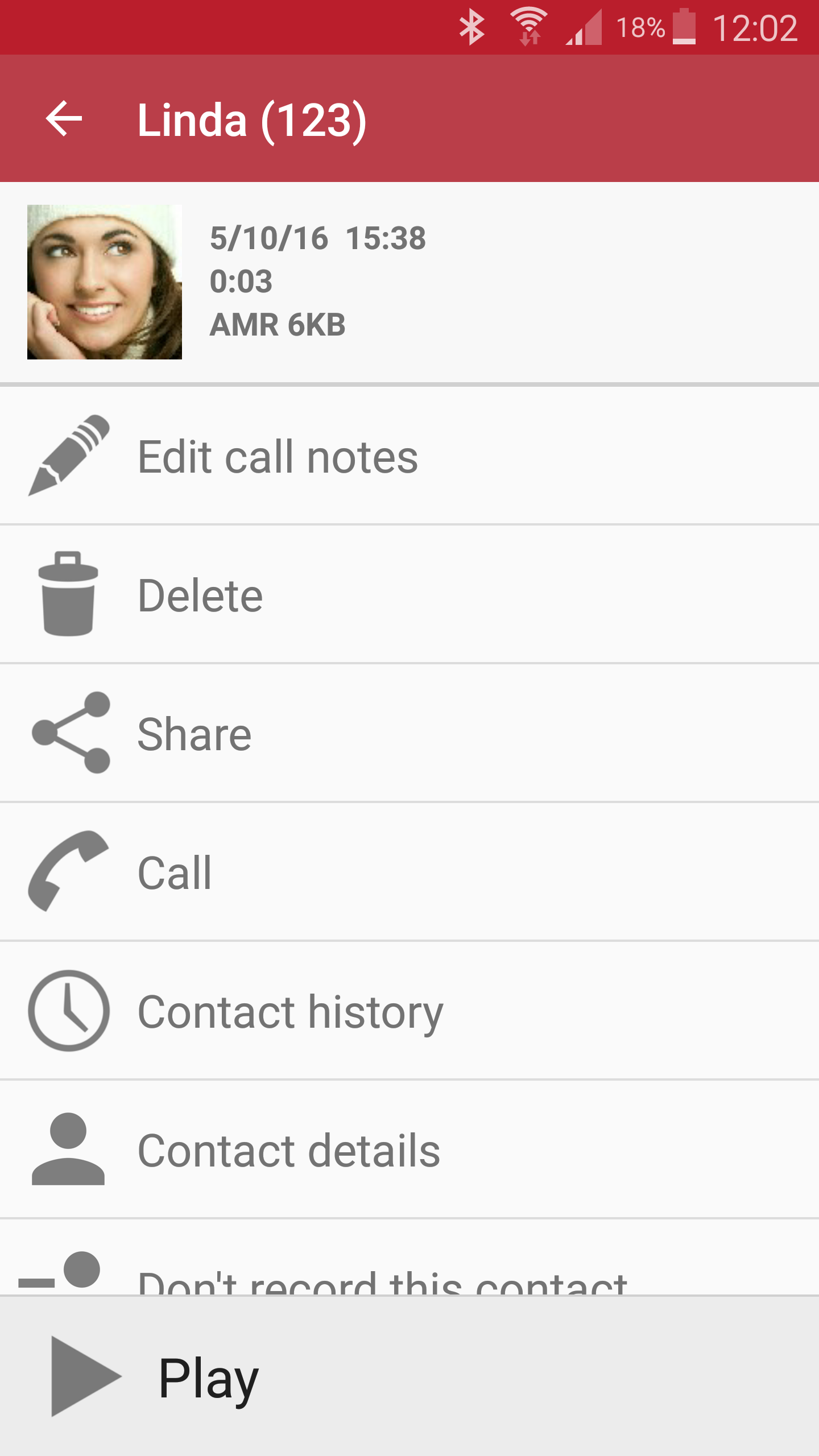
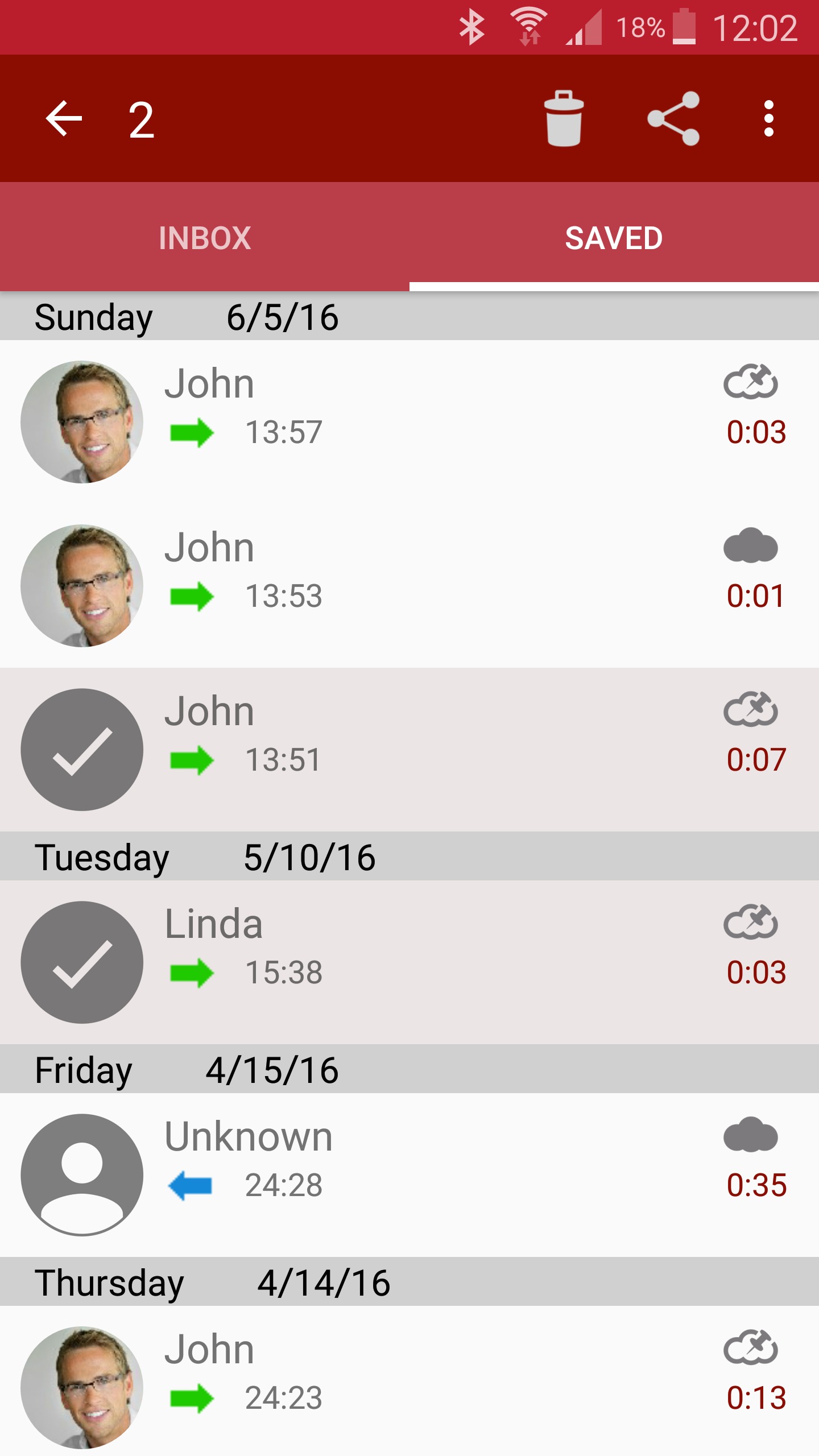
Screenshots

About Automatic Call Recorder Pro

IMPORTANT: Please try the free version first to make sure that your device supports recording calls.
Record any phone call you want and choose which calls you want to save.
You can set which calls are recorded and which are ignored.
Listen to the recording, add notes and share it.
Integration with Google Drive™ and Dropbox allows calls to be saved and synchronized to the cloud as well.
Google Drive integration works on Android versions 3.0 and above.Please note that call recording does not work on certain handsets and can result in inferior quality recordings.
We therefore suggest that you try the free version before purchasing the paid app.If you encounter any recording issues or wish to improve voice quality, try recording from a different audio source, or use auto-on speaker mode.Recorded calls are stored in the Inbox.
You can set the size of the inbox.
The number of saved calls is limited only by your device memory.
If you decide that a conversation is important, save it and it will be stored in the Saved Calls folder.
If not, old recordings will automatically be deleted when new calls fill up the inbox.You can enable a Call Summary Menu with options to appear immediately after a call.Search for recordings by contact, phone number, or note.There are 3 default settings for automatic recording:Record everything (default) – This setting records all calls except for contacts pre-selected to be ignored.Ignore everything – This setting records no calls except for contacts pre-selected to be recorded.Ignore contacts – This setting records all calls with people who are not contacts, except for contacts pre-selected to be recorded.In the Pro version only: You can set calls from particular contacts to be automatically saved, and they will be saved in the cloud.UI improvementsBug fixes

Version History

Latest version

500,000+

UI improvementsBug fixes

Price changed · $6 → $0

Price changed · $6 → $6

Price changed · $6 → $6

User Reviews

J
5

Reliable app, easy to use

P
5

Fantastic

C
5

This App doesn't work with Android 12.

N
2

There ar lots of issues with this app. 1 I used the free recorder and purchased the pro so I could save all the calls. SOMEHOW it just downloaded a new app that did not recognize nor had the option to import the recordings from the exact same app! 2. many calls appear completely scrambled to the point you cant recognize anything and can barely even hear it. 3. cloud saving opens the google drive accounts options but non is responsive and you end up just pressing fake buttons with nothing happens. 4. No where in the app could i find a "contact us" button to set my complaints. Sending an email from the google play leads to a broken email address.

B
1

Disappointed on Galaxy S10 Lite. Does not show the phone number or caller's name for the list of recorded calls, just the date and time. Not much help without the phone number or caller name to ID the call.

T
1

Put on auto record, useless don't work. Absolutely nothing no matter what settings I alter. I want a refund. Left it installed for a while to see what happens, NOTHING. Now I have checked other reveiws I see that you are not honest and ripping people off for their money, really, really dishonest. I am now going to plaster your name and company and apps as RUBISH and dishonest all over google and social media. DO NOT BUY THIS APP OR ANY OTHERS FROM THIS THESE.

L
5

Always Great!!!

Share

Share Automatic Call Recorder Pro

Help others discover this Android app.

Automatic Call Recorder Pro

Automatic Call Recorder Pro

$8.49

Get
