

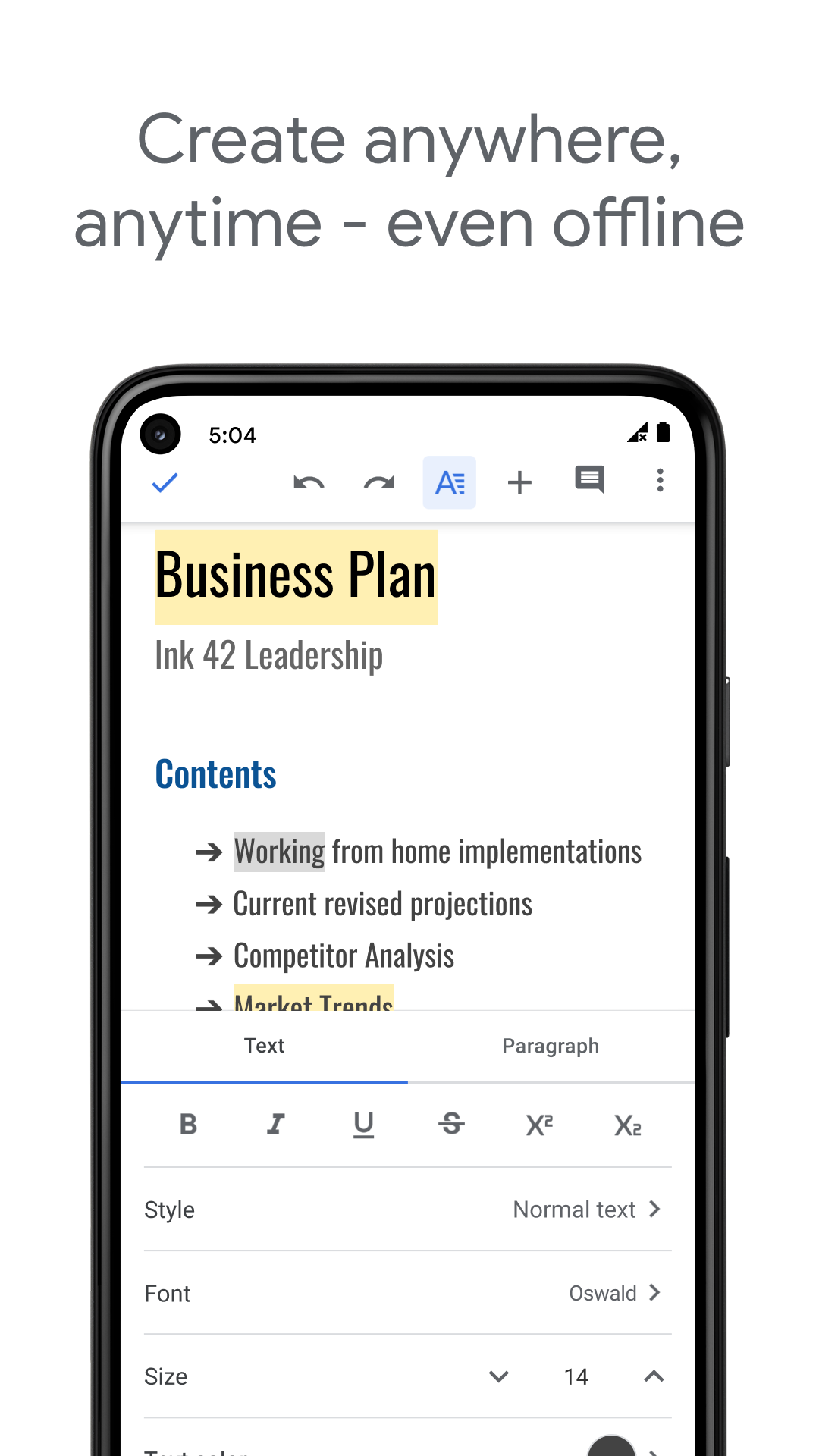
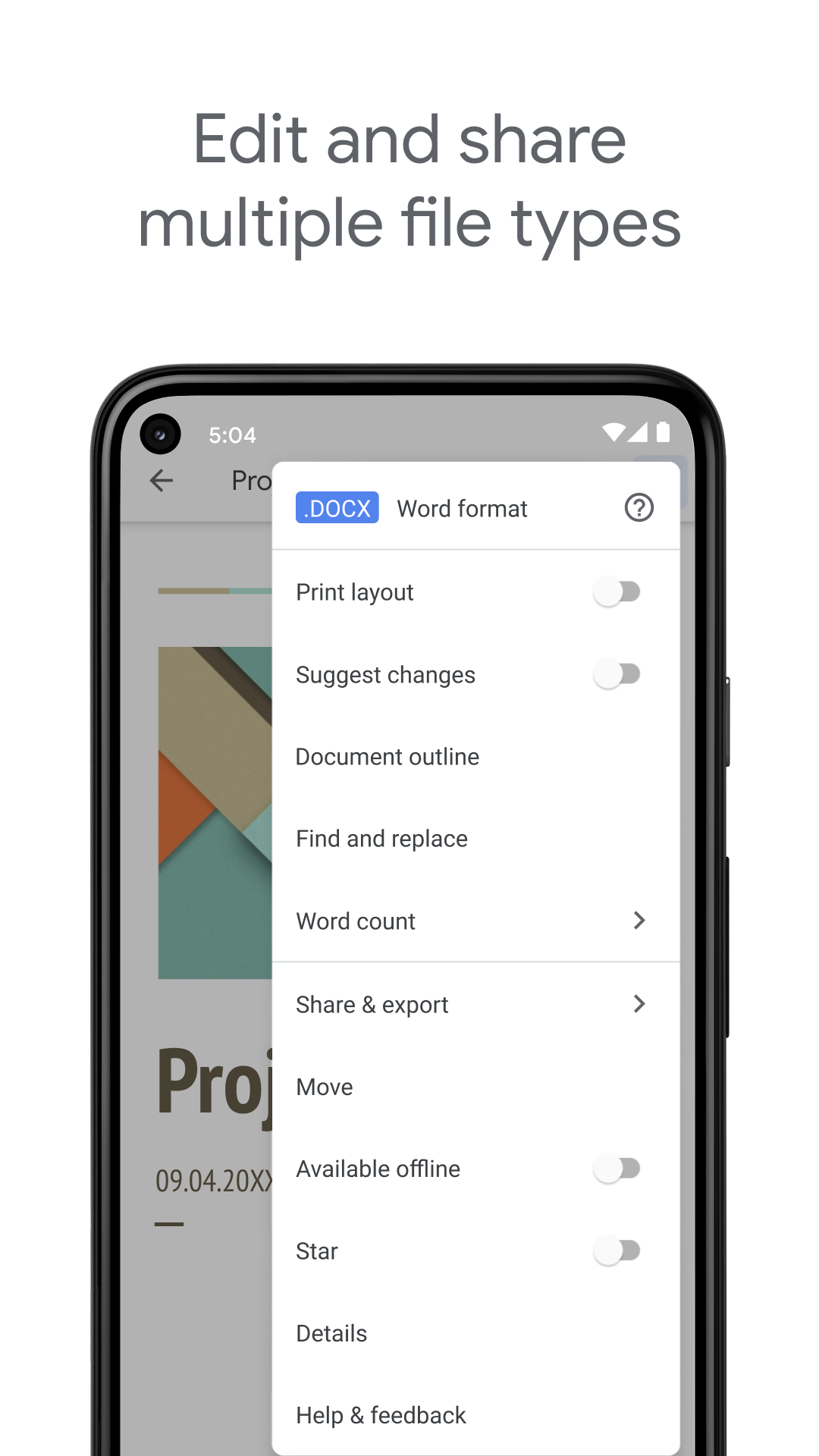
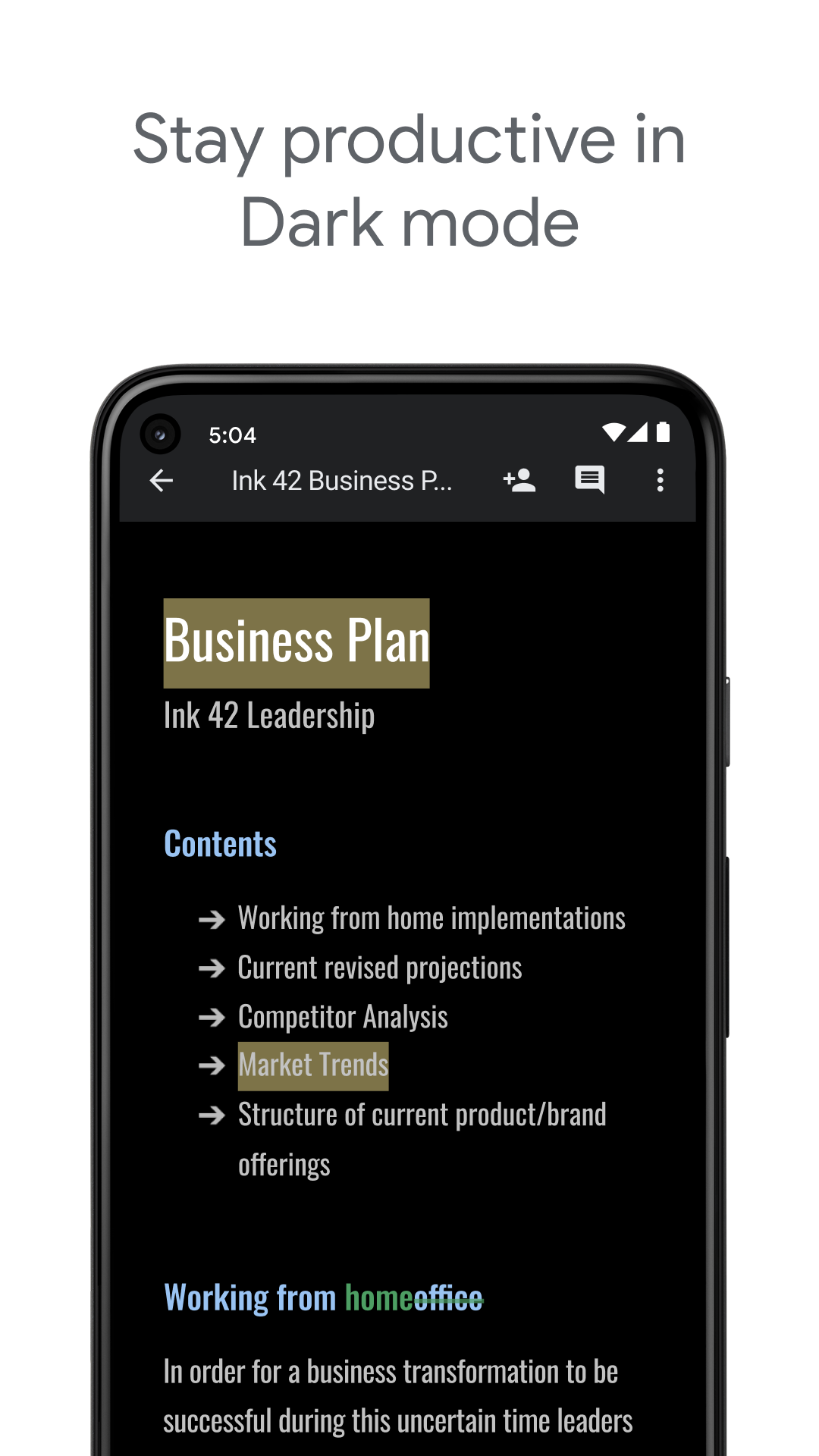

Create, edit, and collaborate with others on documents from your Android phone or tablet with the Google Docs app.
With Docs you can:- Create new documents or edit existing files- Share documents and collaborate in the same document at the same time.- Work anywhere, anytime - even offline- Add and respond to comments.- Never worry about losing your work – everything is saved automatically as you type.- Search the web and your files in Drive, right from Docs- Open, edit, and save Word documents and PDFs.Google Docs is part of Google Workspace: where teams of any size can chat, create, and collaborate.Google Workspace subscribers have access to additional Google Docs features, including:- Working in a single document with teammates or people outside your company.
See edits as others type, communicate through built-in chat, and leave feedback through comments and suggestions- Importing your documents to make them instantly editable, including Microsoft® Word and PDF files.
Export your work in .docx, .pdf, .odt, .rtf, .txt or .html format- Unlimited version history.
Track changes made to your documents and undo anything you choose.- Working across devices, with or without InternetLearn more about Google Workspace: https://workspace.google.com/products/docs/Follow us for more:Twitter: https://twitter.com/googleworkspaceLinkedin: https://www.linkedin.com/showcase/googleworkspaceFacebook: https://www.facebook.com/googleworkspace/Permissions NoticeContacts: This is used to give suggestions of people to add to files and share with.Storage: This is used to save and open files on USB or SD storage.* Bug fixes and performance improvements
J
4
★
★
★
★
★
I give it 4 stars because I would have giving it 5 stars but its not the best app in the world. But you don't have to follow my advise cause I'm only nine.




