
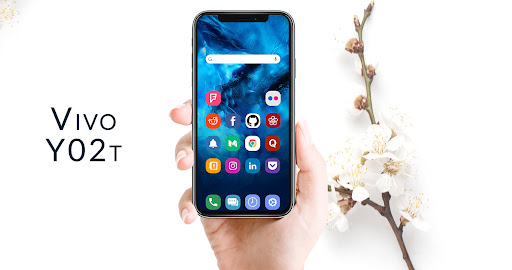
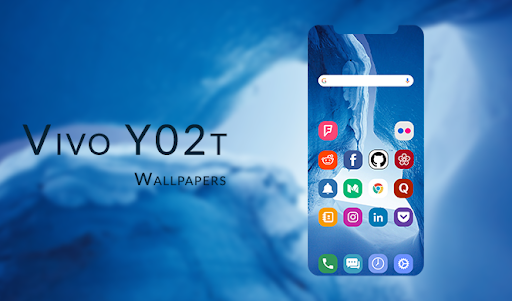
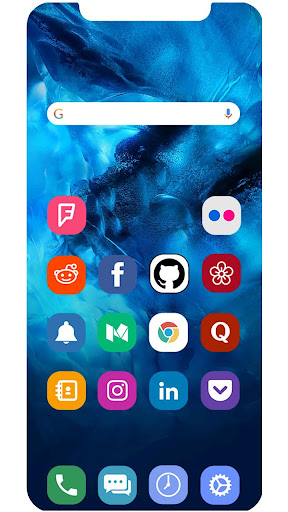
These Beautiful Wallpapers for the Vivo y02t are collected into a single app for you guys.
if you have seen the wallpapers of Vivo y02t and wondered where and how can you get those wallpapers, then you are exactly at the right place.
you can download this stunning and that is very easy to use and is works flawlessly.This app can work with almost all the launchers available on the Play Store.Some major launchers supported by theme for Vivo y02t are listed below.⦁ Google Now Launcher⦁ Nova Launcher⦁ ADW Launcher⦁ TSF Launcher ⦁ Go Launcher⦁ Apex Launcher⦁ Action Launcher⦁ ADW1 Launcher⦁ Aviate launcher⦁ Lucid Launcher⦁ Line Launcher⦁ Mini Launcher⦁ Zero Launcher⦁ Holo Launcher⦁ Holo HD Launcher⦁ KK Launcher⦁ Launcher Smart⦁ Smart Pro Launcher ⦁ Solo Launcher⦁ Next LauncherHow to use the App:1.
Download and Install the App from Play Store.2.
Run the App3.
Select a category (e.g.
Apply theme, Apply Wallpaper.
etc.)4.
Select the wallpaper of your choice and click apply wallpaper5.
Done.
https://andro.io/app/wallpapers-106v5
 Power 100

Android app profile
Wallpapers for Vivo y02t for Android – Latest Version & Features
by Yes Themes
★★★★★
(0 ratings)
Rate this app
How do you feel about Wallpapers for Vivo y02t?
Thanks for your feedback!
> 2.2k
Monthly Downloads
~$900
Estimated Cost
Screenshots









