
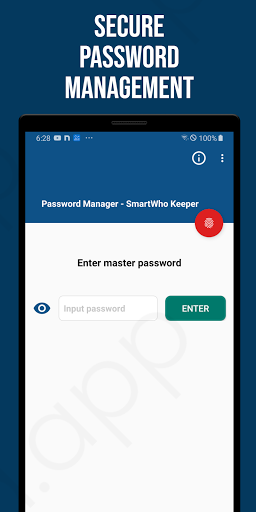
Have you ever wasted time by forgetting various passwords or information you use in your daily life?Do you want to store your passwords or information in a more secure way than writing them down on paper?SmartWho’s password manager is the solution!The password manager stores all data entered by the user using secure encryption.Even if the stored data is exposed, it is safe because it takes a huge amount of time for hackers to decrypt it.The password manager is blocked from the outside world and is safely stored only on the customers smartphone.Do not lose your master password.
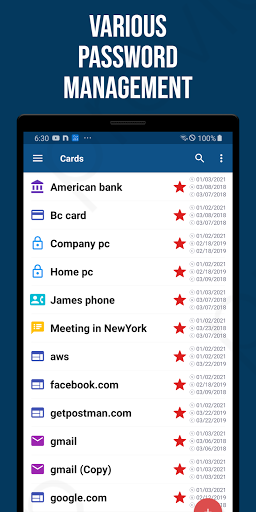
Only you know your master password, and if you lose it, we cannot help you recover it.This is because the passwords and various settings you save exist only on your smartphone.If you forget your master password, you will have to reinstall the app and, unfortunately, all data registered in the app will be deleted for your safety.For safe management, back up your data regularly using the backup menu.Register new items quickly and easily using templates.[Main features]• Template list - Website - email - ID/Password - bank - Credit card - phone number - insurance - Resident (social security) number - Software license - drivers license - passport - note - image - file• Item Item - id - password - URL - note - number - name - CVV - PIN - birthday - published date - Expiration date - bank - category - SWIFT - IBAN - phone number - text - Date - image - file - key - email• Favorites• Usage history information• Backup/Restore• Password generator• trash can
https://andro.io/app/smartpassword-16crq
 Power 100


Android app profile
SmartWho Password Manager for Android – Latest Version & Features
by SmartWho
★★★★★
(0 ratings)
Rate this app
How do you feel about SmartWho Password Manager?
Thanks for your feedback!
> 2.2k
Monthly Downloads
~$900
Estimated Cost
Screenshots









