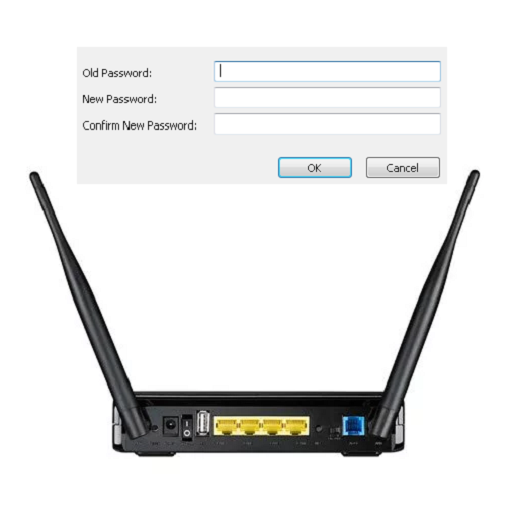

Our mobile app explains how to change the administrator password of your router.
When you buy a new modem, when you forget your wifi password and reset it, you may need to change your router password for the security of your internet connection.Whats in the app contentInformation (Default ip, username and passwords)Tp link router (The default ip address for logging in to your routers administrative interface is 192.168.1.1)Netgear (The default username to login to the router management page is "admin", the password section is "leave blank".Huawei zain router (Sometimes it may be different for other models of the brand as login information.
So you can look at the label on the bottom of the device)For your security, it will be correct to change your router password periodically.
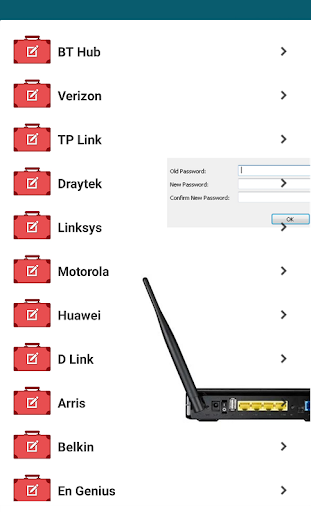
For this, three to six months are suitable.Router brands showing how the administrator password is changed in our mobile app: BT Hub, Verizon, Tp link, draytek, linksys, motorola, huawei, d link, arris, belkin, en genius, trendnet, thomson, netgear
https://andro.io/app/howtochangerouteradminpassword



Rate this app
How do you feel about How to change router password?
Thanks for your feedback!
> 2.2k
Monthly Downloads
~$900
Estimated Cost
Screenshots









