
The calculation of a right-angled triangle is no longer a problem.
All edges are calculated with the Pythagorean theorem.
If you enter the value of two edges, the third is calculated.
All calculations are stored in a history.
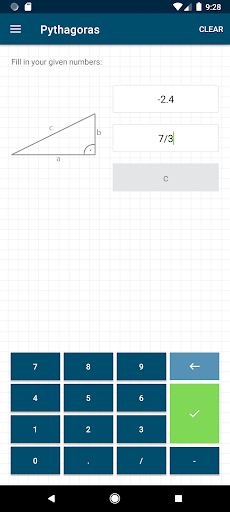
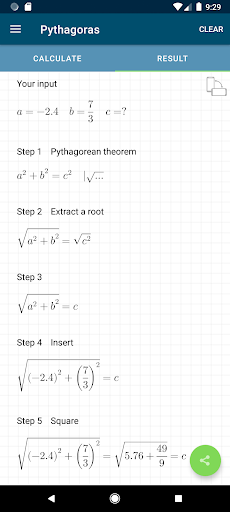
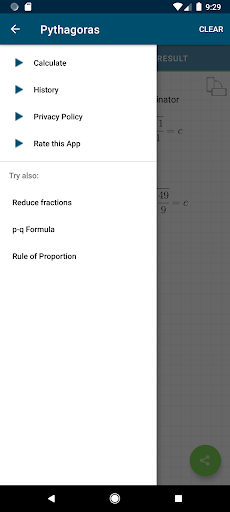
The final solution can be shared.[Contents]- the edges a, b and c can be entered- calculation of the third edge with the Pythagorean theorem- history function that saves the input- complete solution- the entering of fractions is supported- option to remove ads[ Application ]- there are 3 fields for entering the values using a modified keyboard- if you have not entered enough values, the text fields are highlighted in yellow- if you have entered invalid values, the corresponding text field is highlighted in red- you can switch between the solution view, the input view and the history by swiping and / or touching the buttons- the entries in the history can be deleted or sorted manually- if you select an entry in the history, it will be loaded automatically for the calculation- the entire history can be deleted by pressing a key
https://andro.io/app/free-1dbgy
 Power 100

Android app profile
Solving Pythagoras for Android – Latest Version & Features
by GSLstudios
★★★★★
(0 ratings)
Rate this app
How do you feel about Solving Pythagoras?
Thanks for your feedback!
> 2.2k
Monthly Downloads
~$900
Estimated Cost
Screenshots









